
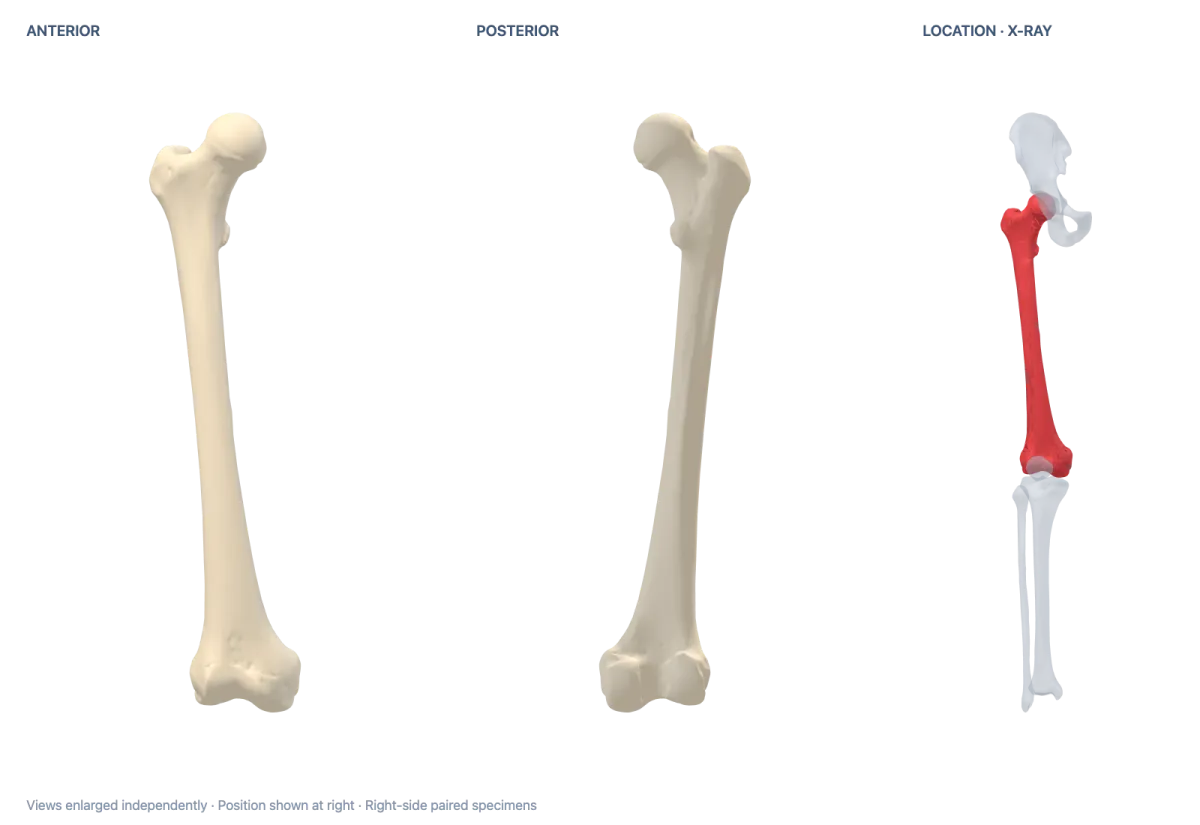
Learn names through pictures
Picture name typing games
71 topics · 114 sets · 1592 unique names
Pick a topic and type each name shown beside its picture.
Human body
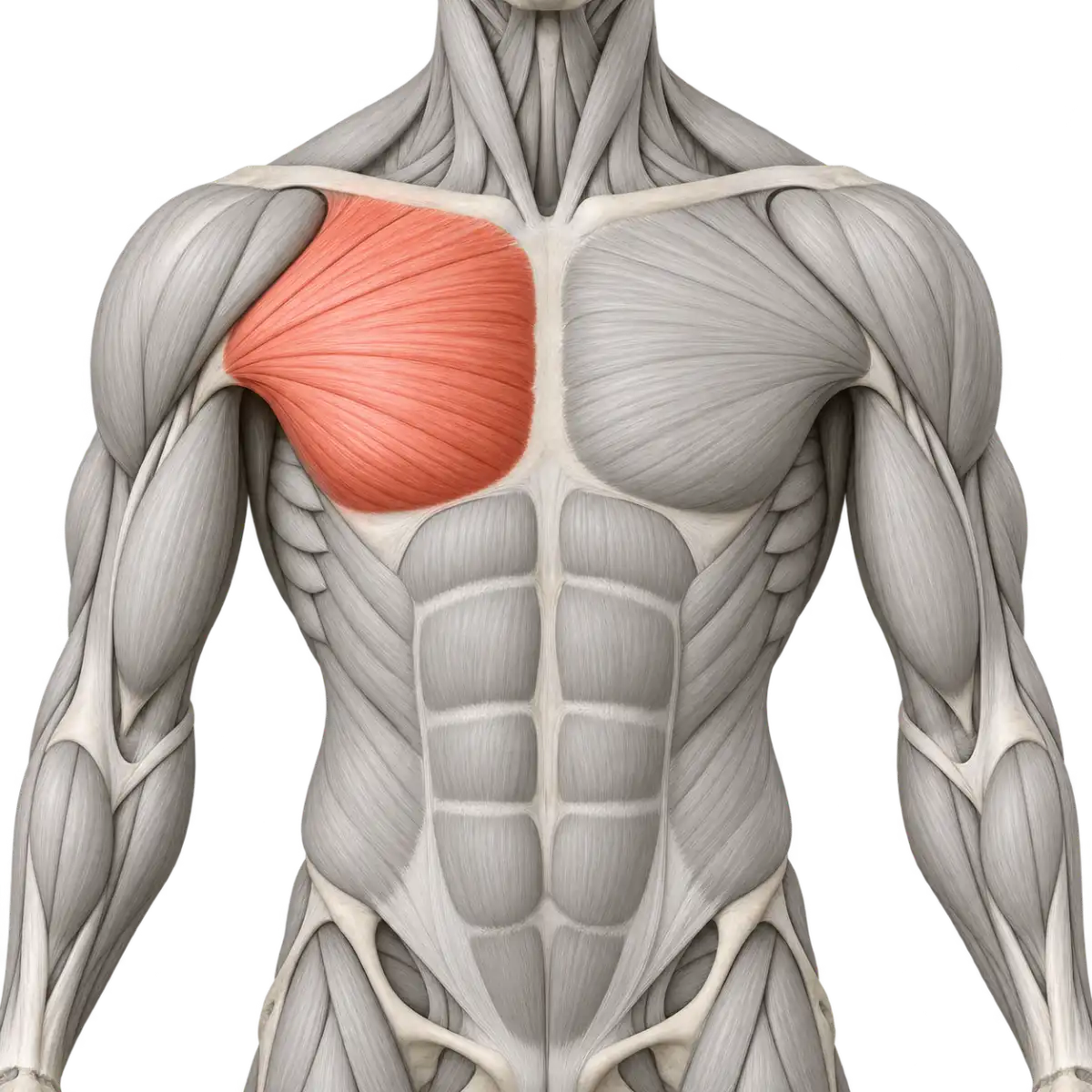
Muscle name typing
1 sets · 20 unique names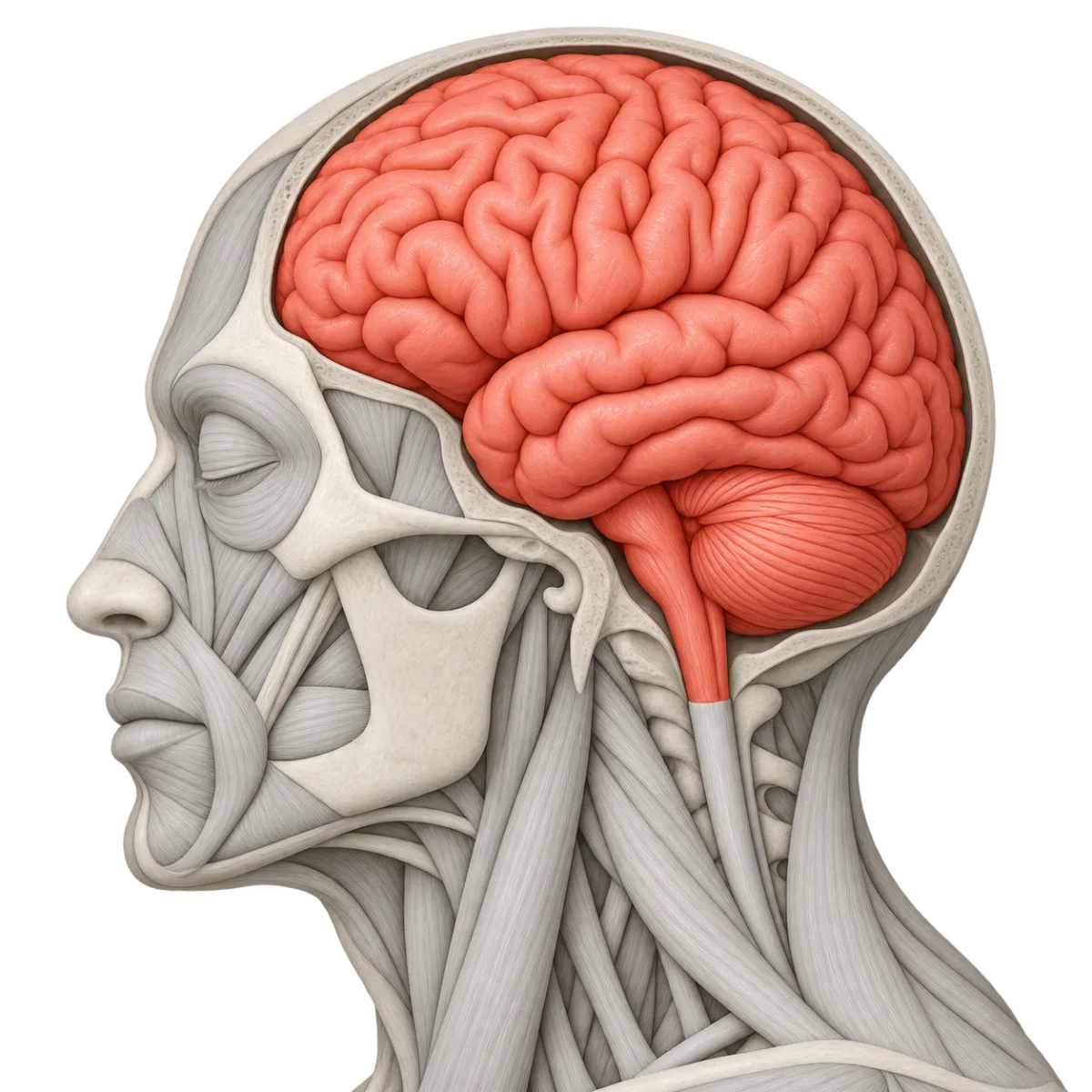
Human organ name typing
1 sets · 12 unique names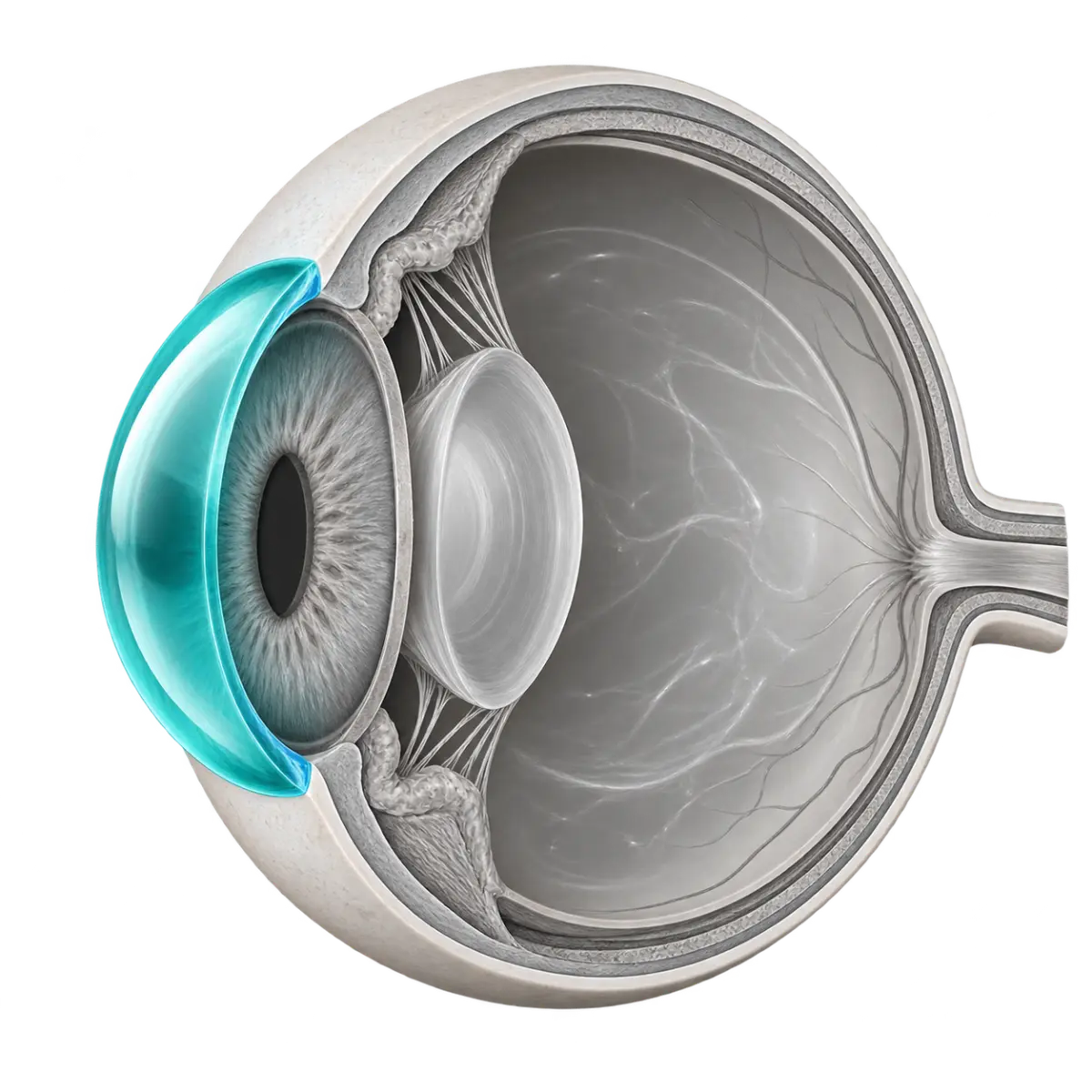
Eye anatomy name typing
1 sets · 16 unique names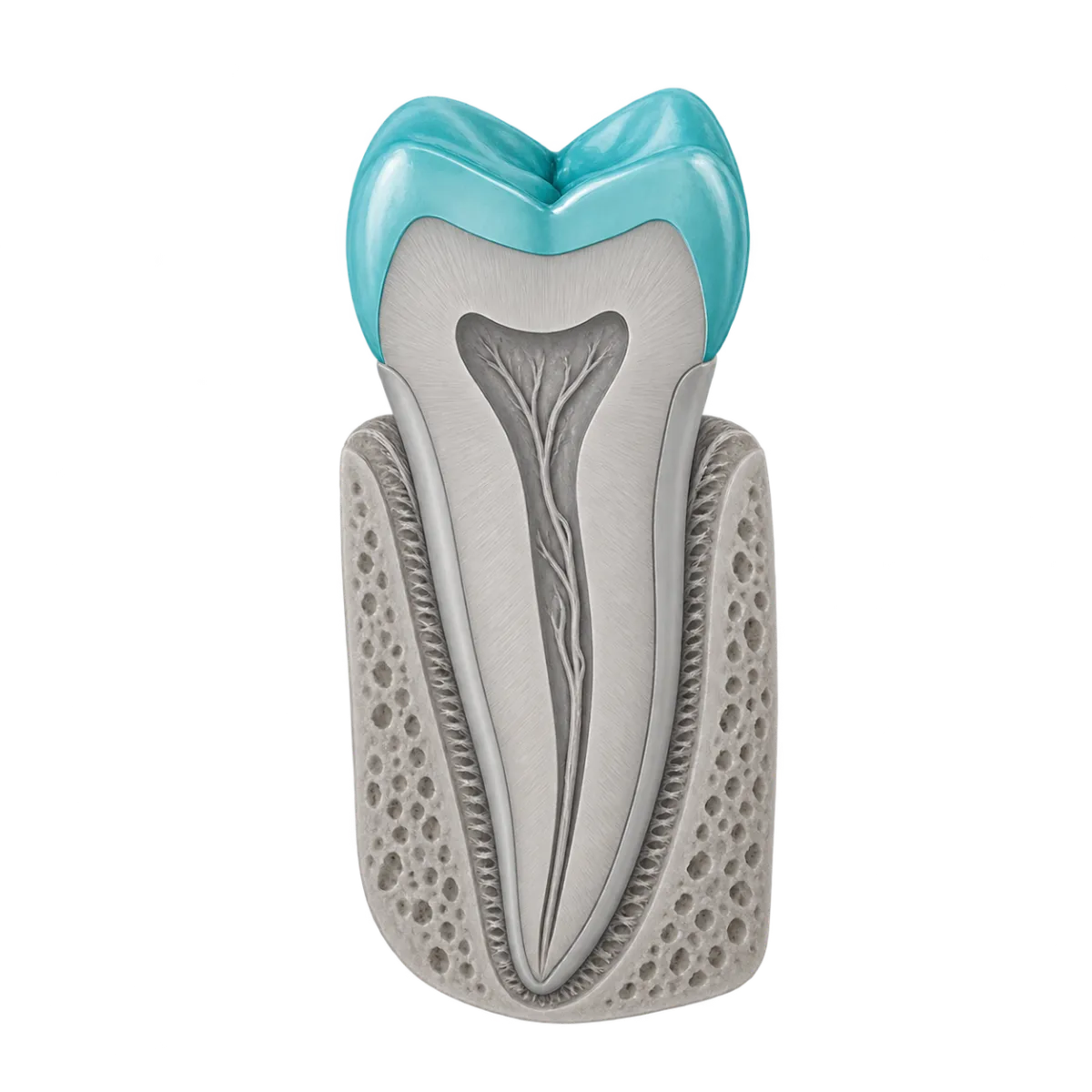
Tooth anatomy name typing
1 sets · 16 unique names
Nursing assessment equipment name typing
1 sets · 16 unique names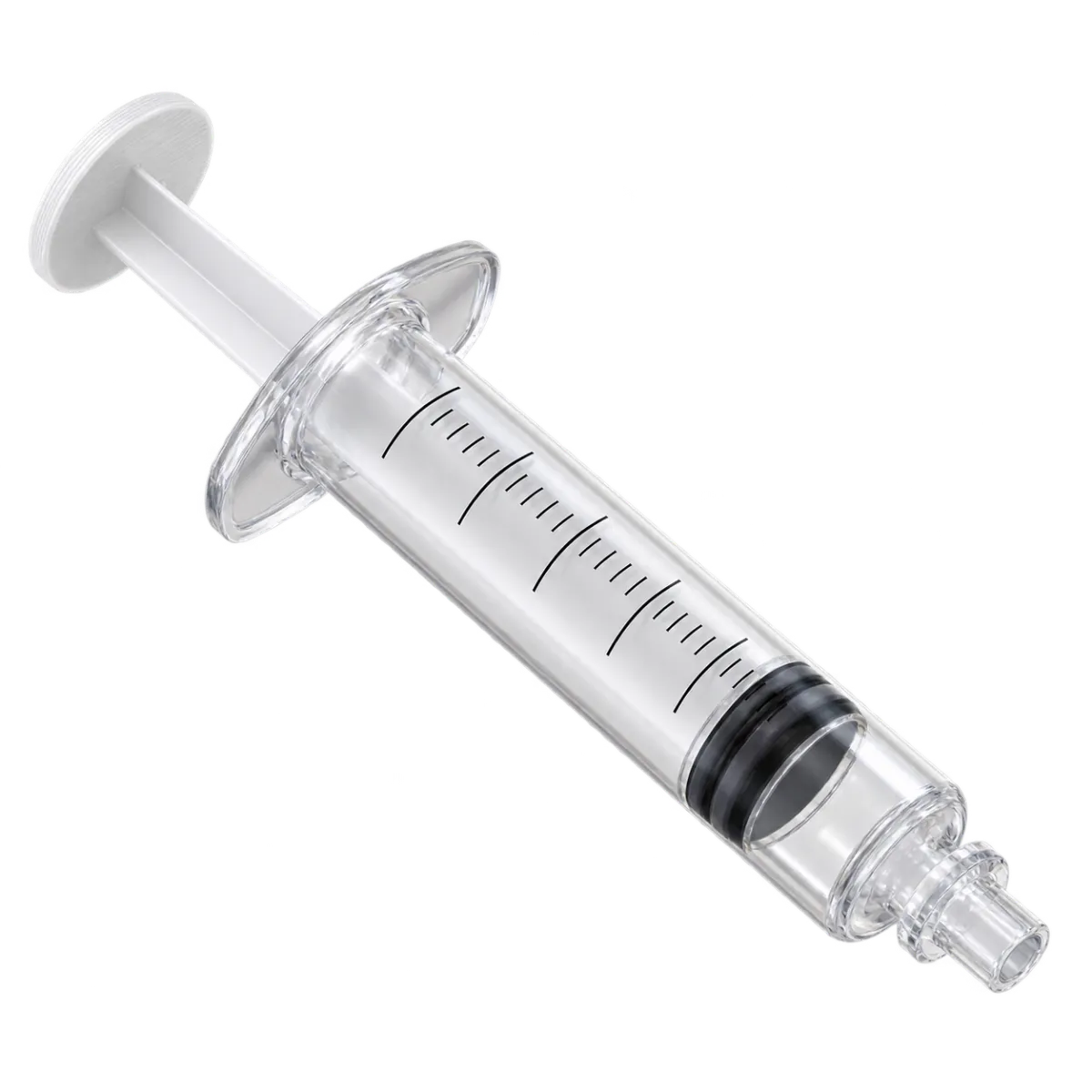
Infusion and drainage equipment name typing
1 sets · 16 unique names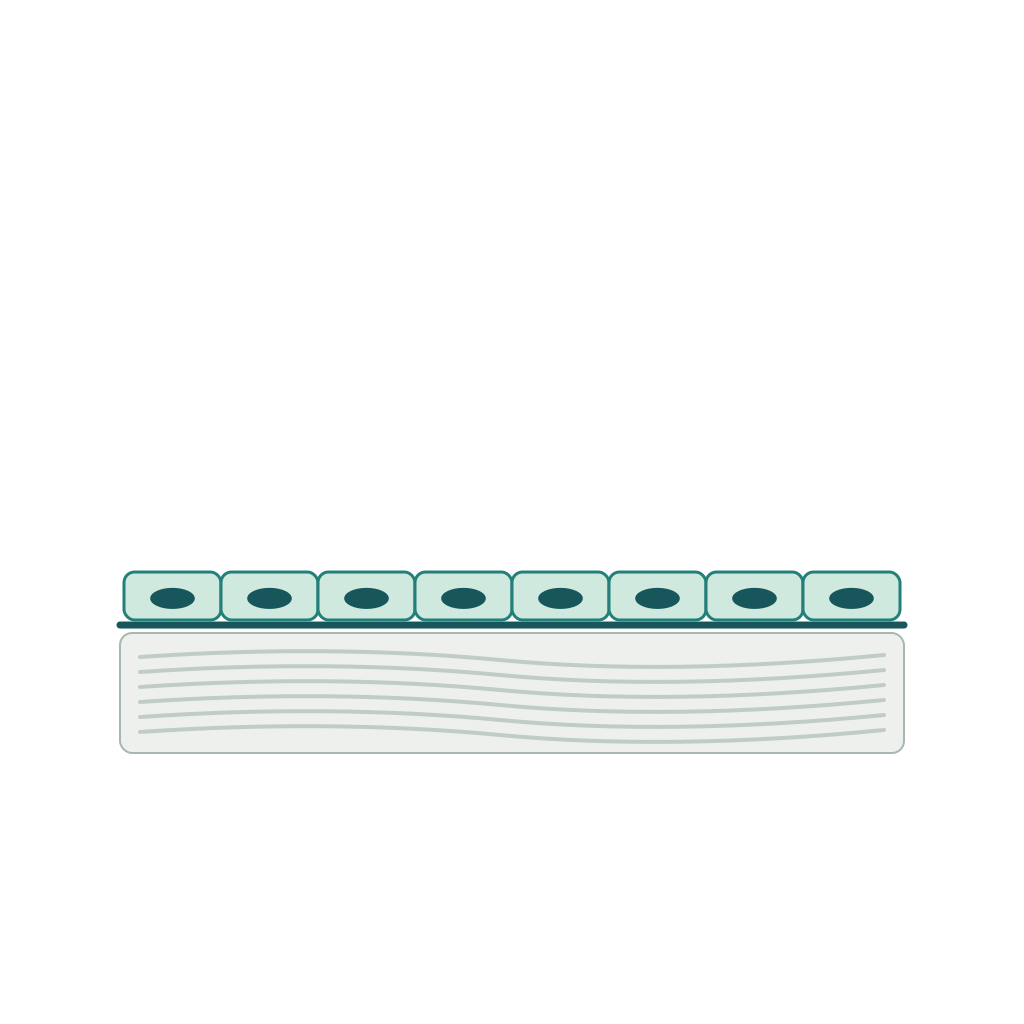
Histology name typing
1 sets · 16 unique names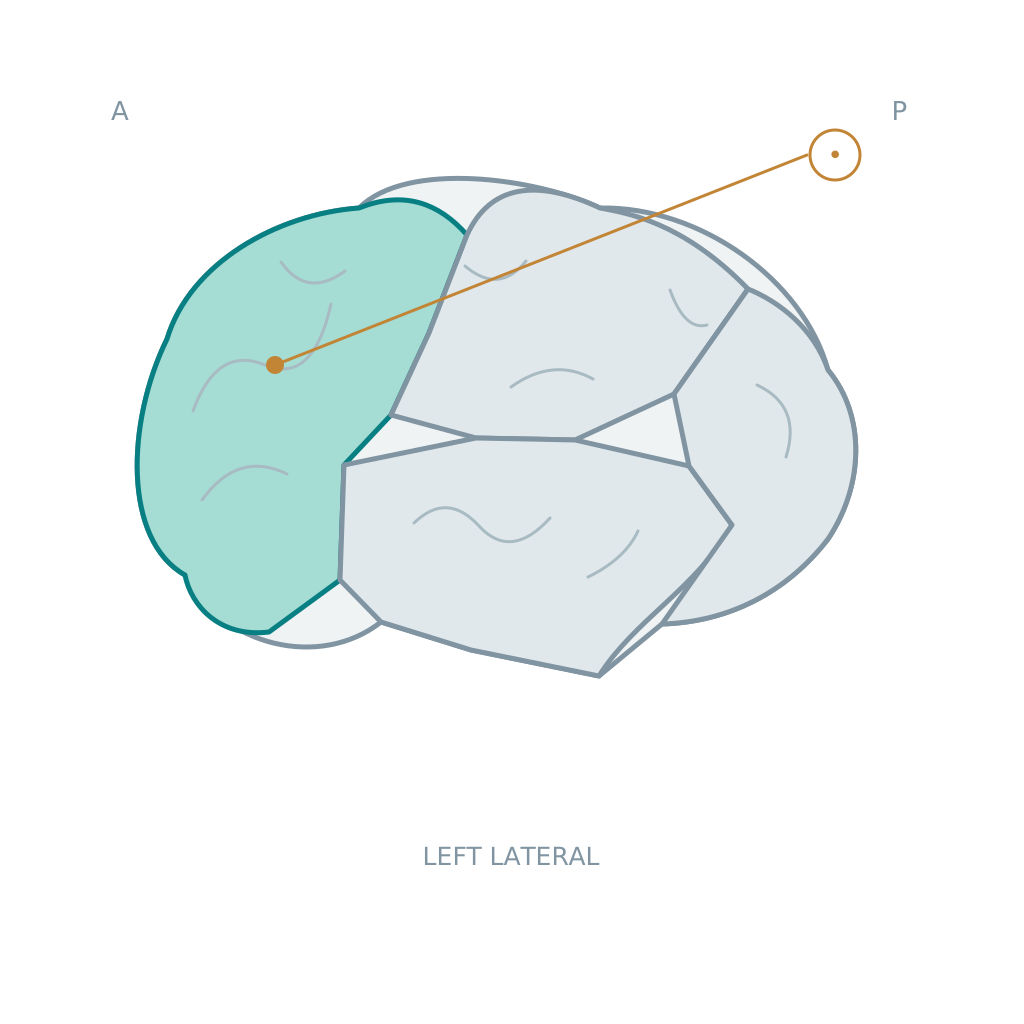
Brain anatomy name typing
2 sets · 16 unique names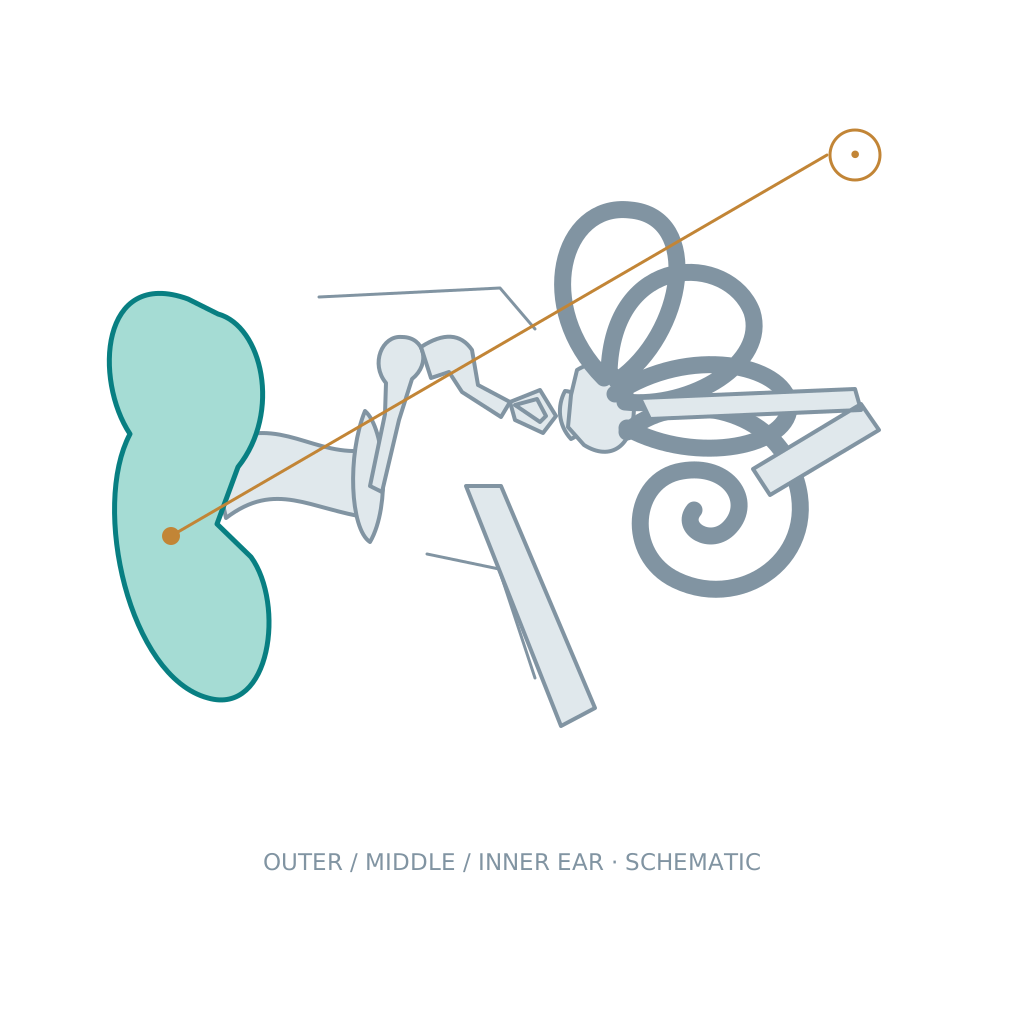
Ear anatomy name typing
1 sets · 12 unique names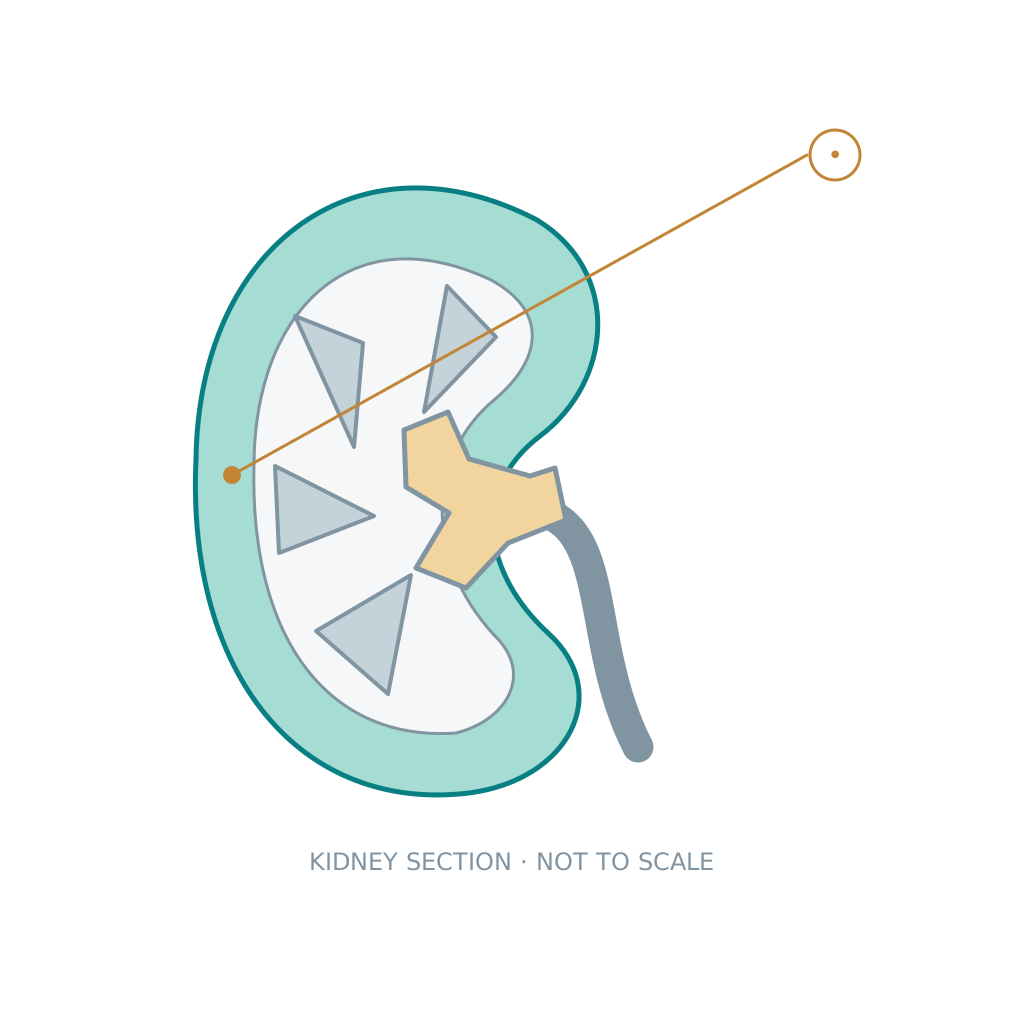
Kidney and nephron anatomy name typing
2 sets · 12 unique names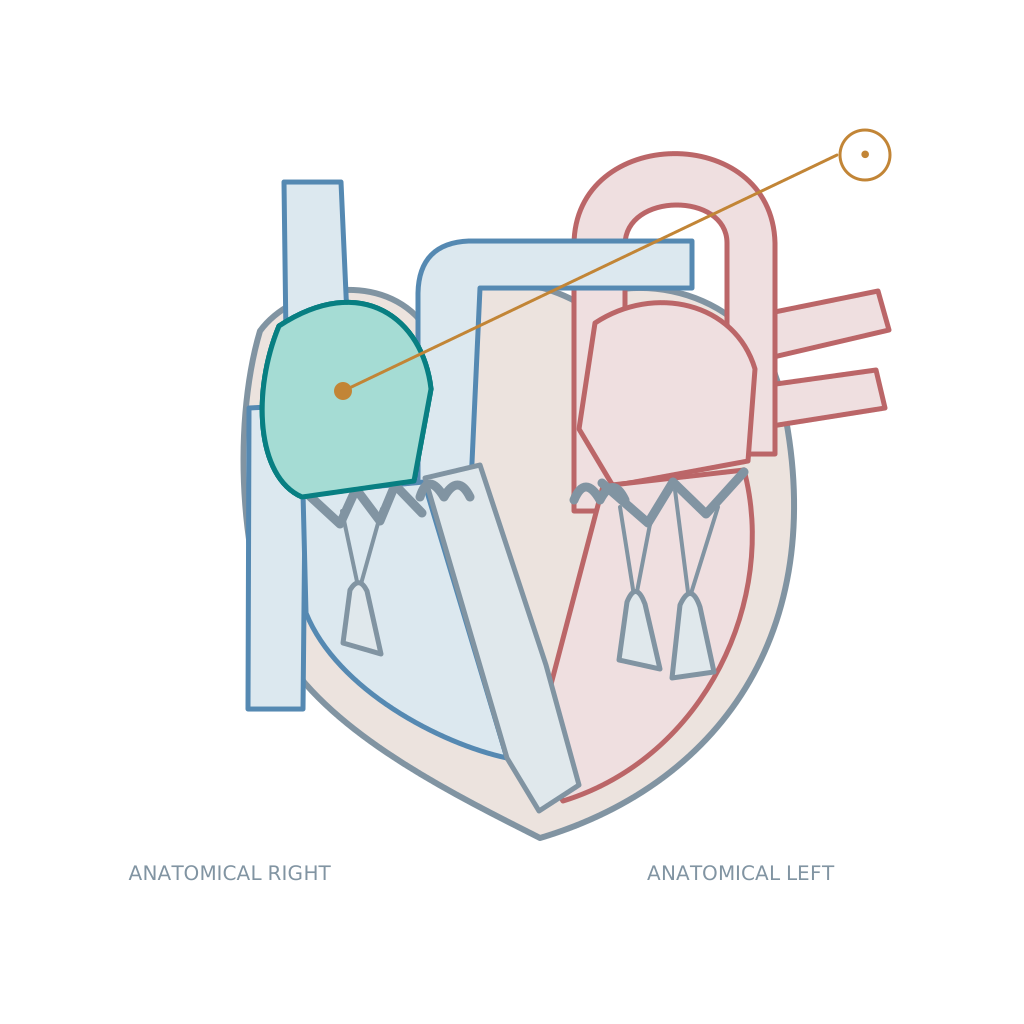
Heart anatomy name typing
2 sets · 16 unique names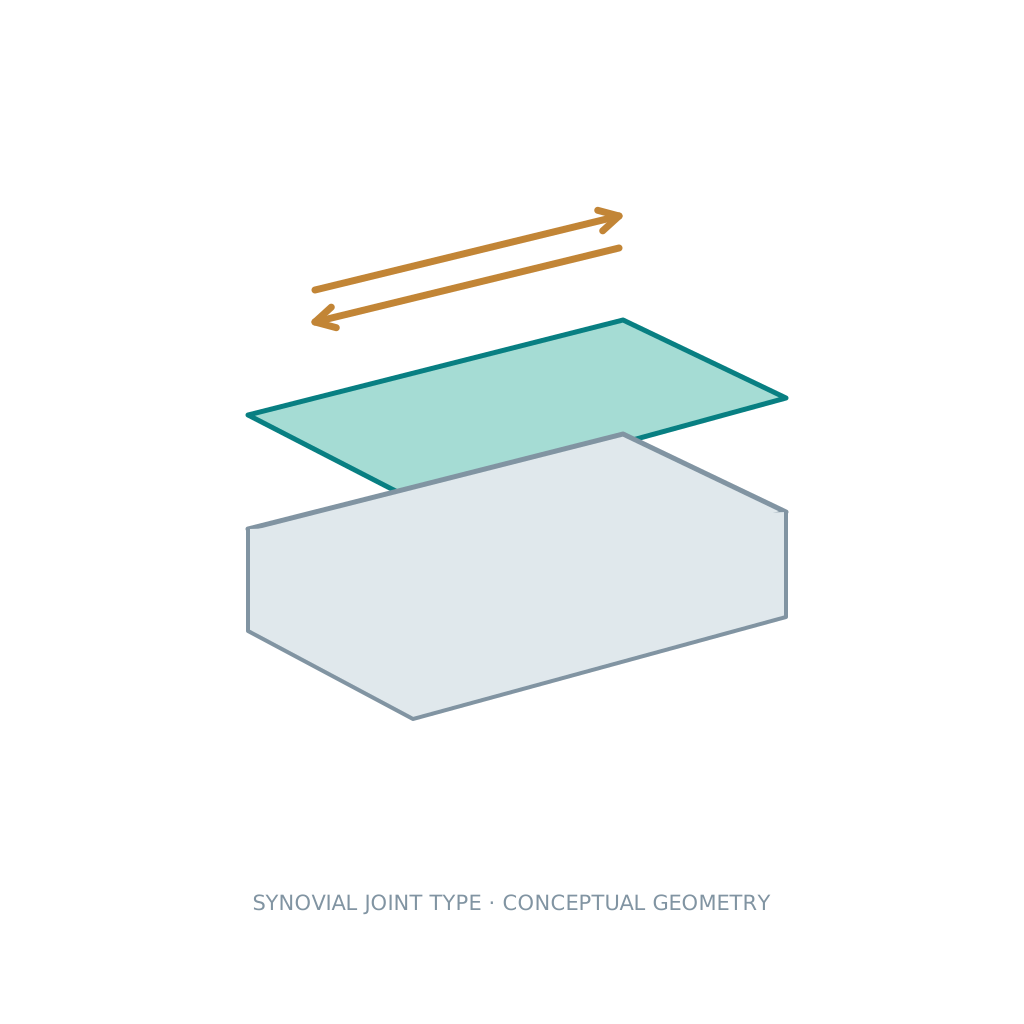
Joint types and structures name typing
2 sets · 12 unique names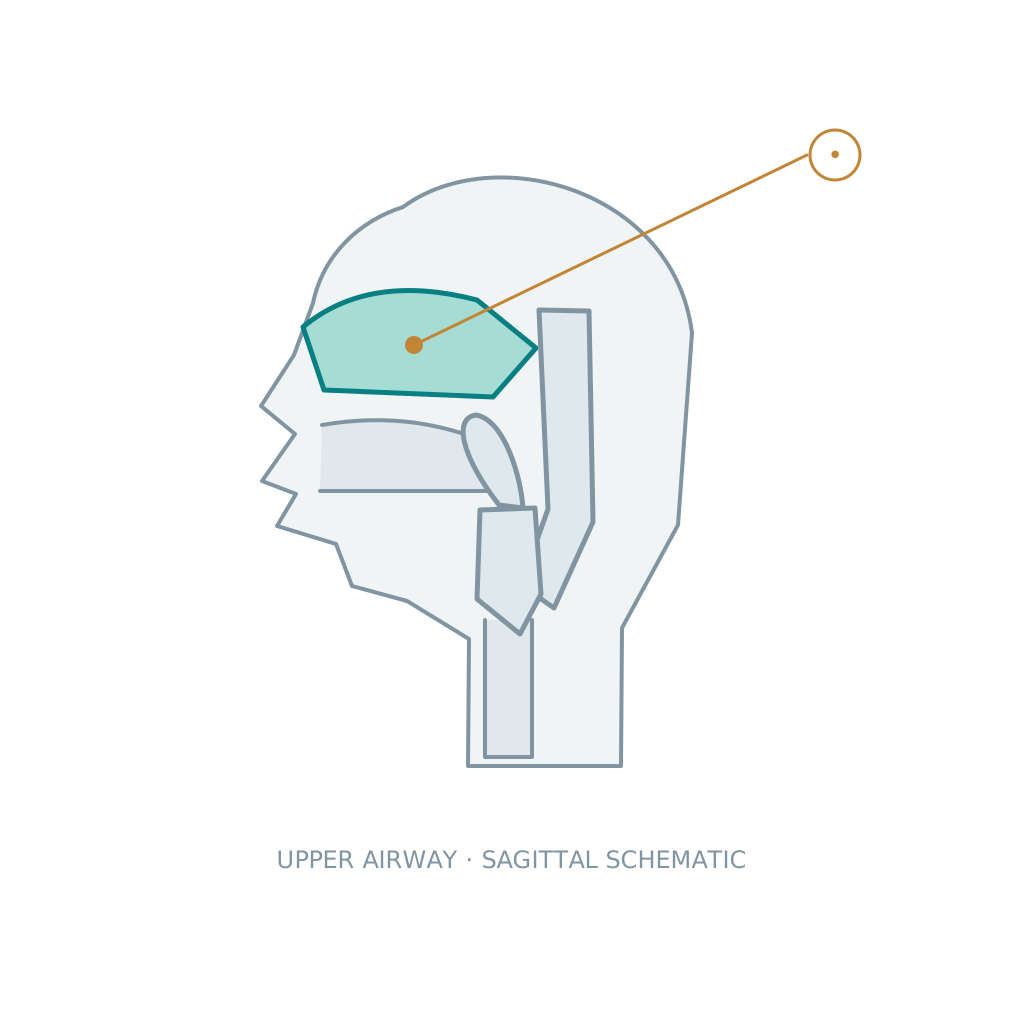
Respiratory anatomy name typing
3 sets · 16 unique namesLife and nature
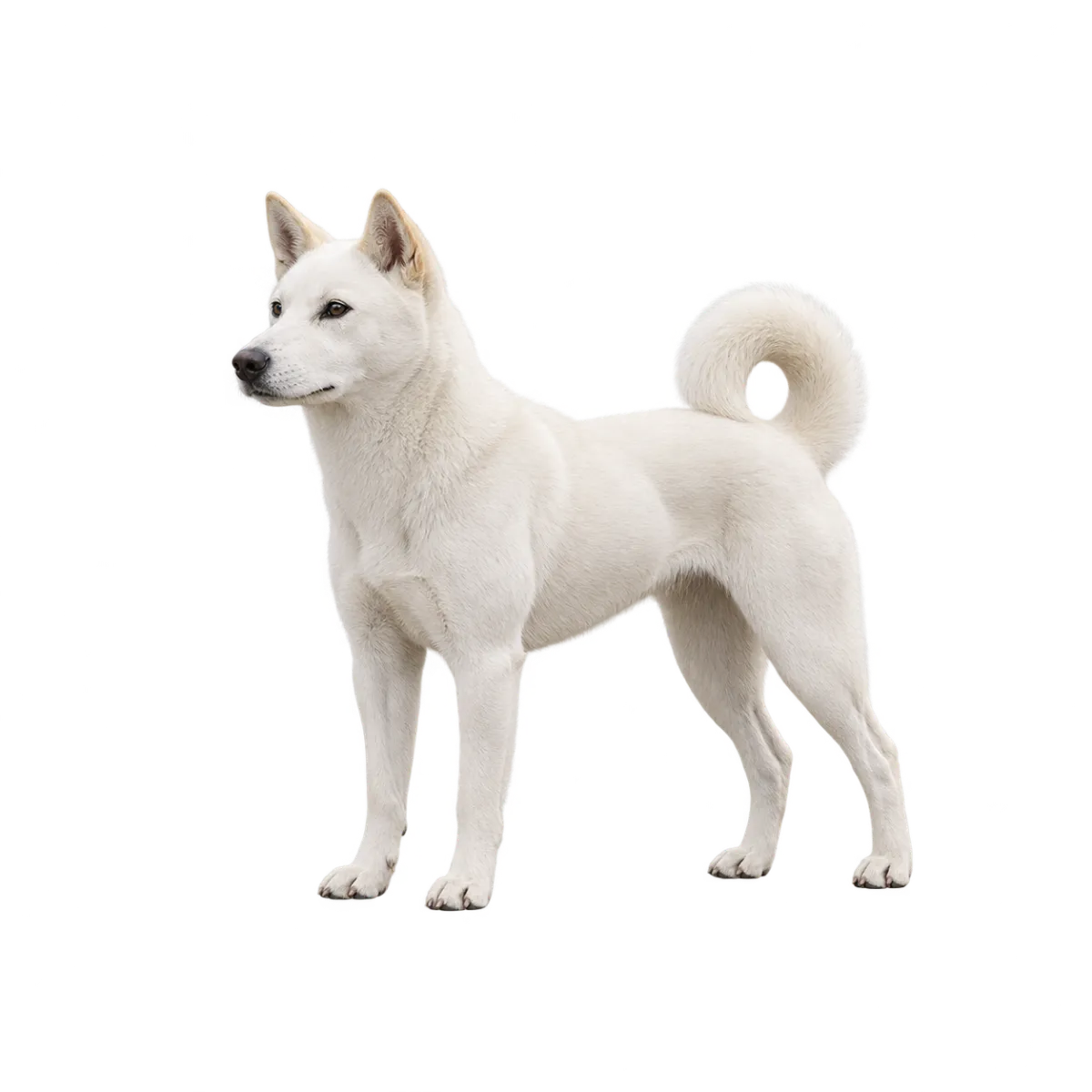
Dog breed name typing
1 sets · 20 unique names
Fruit and vegetable name typing
2 sets · 40 unique names
Cloud name typing
1 sets · 10 unique names
Animal name typing
1 sets · 30 unique names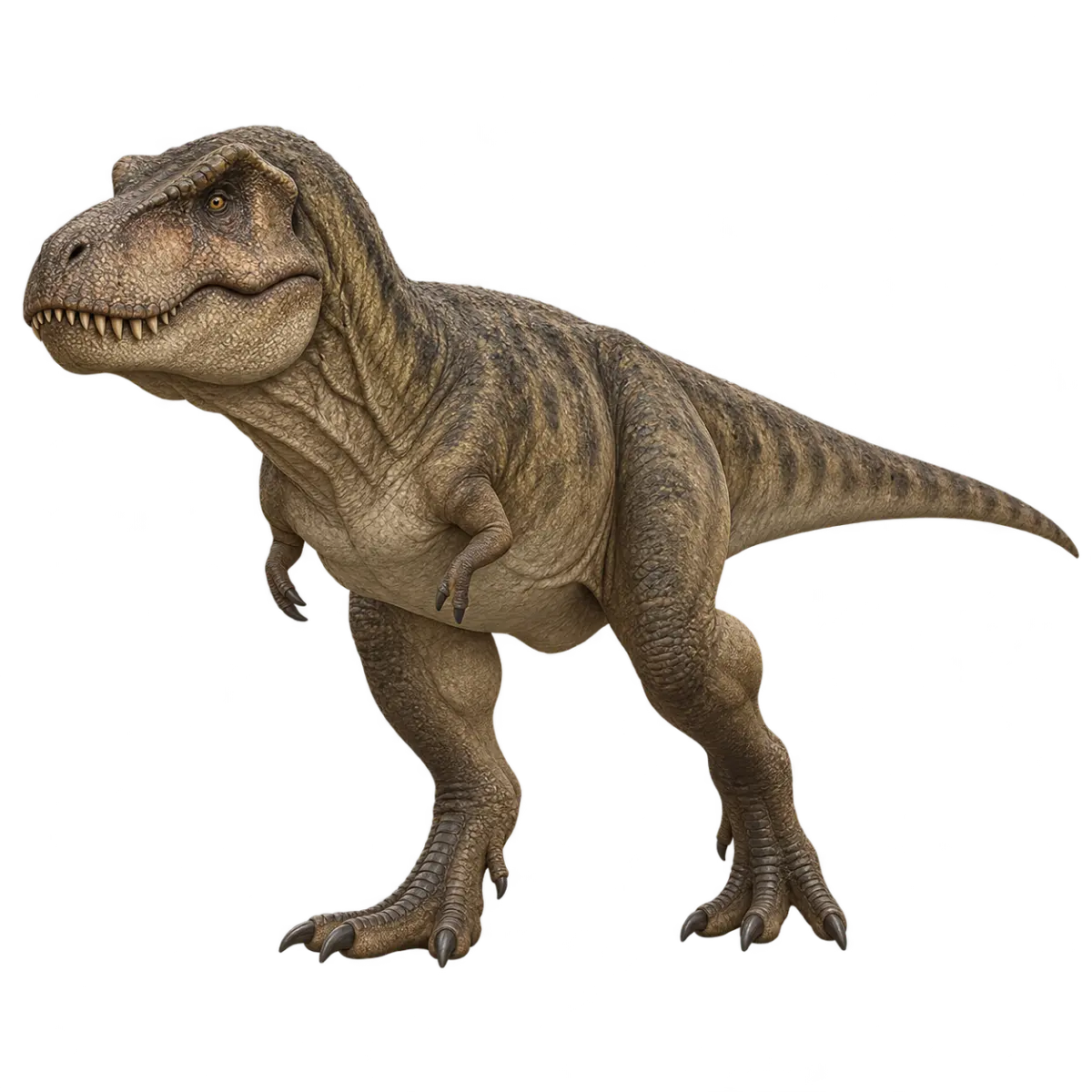
Dinosaur name typing
1 sets · 20 unique names
Flower name typing
1 sets · 20 unique names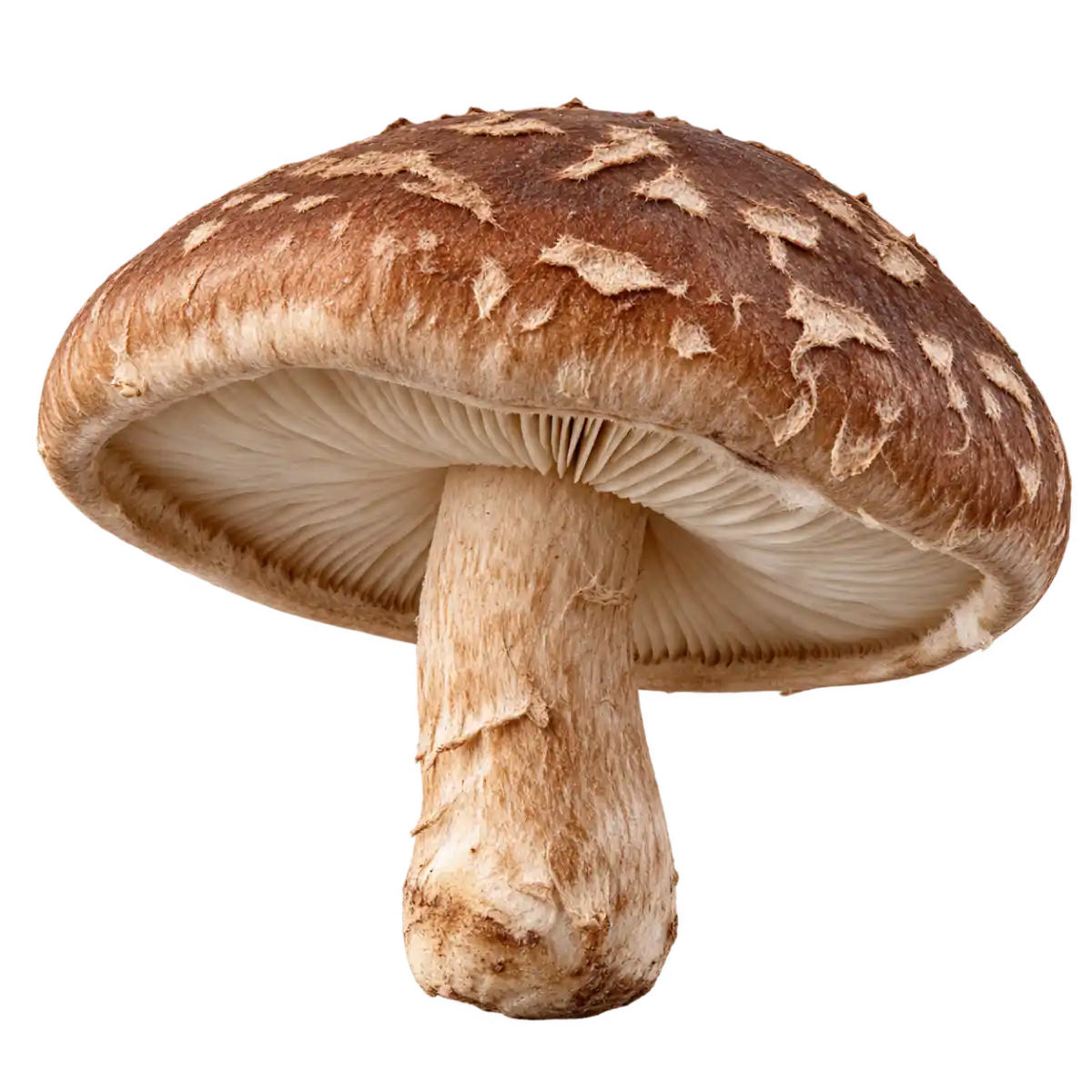
Mushroom name typing
1 sets · 16 unique names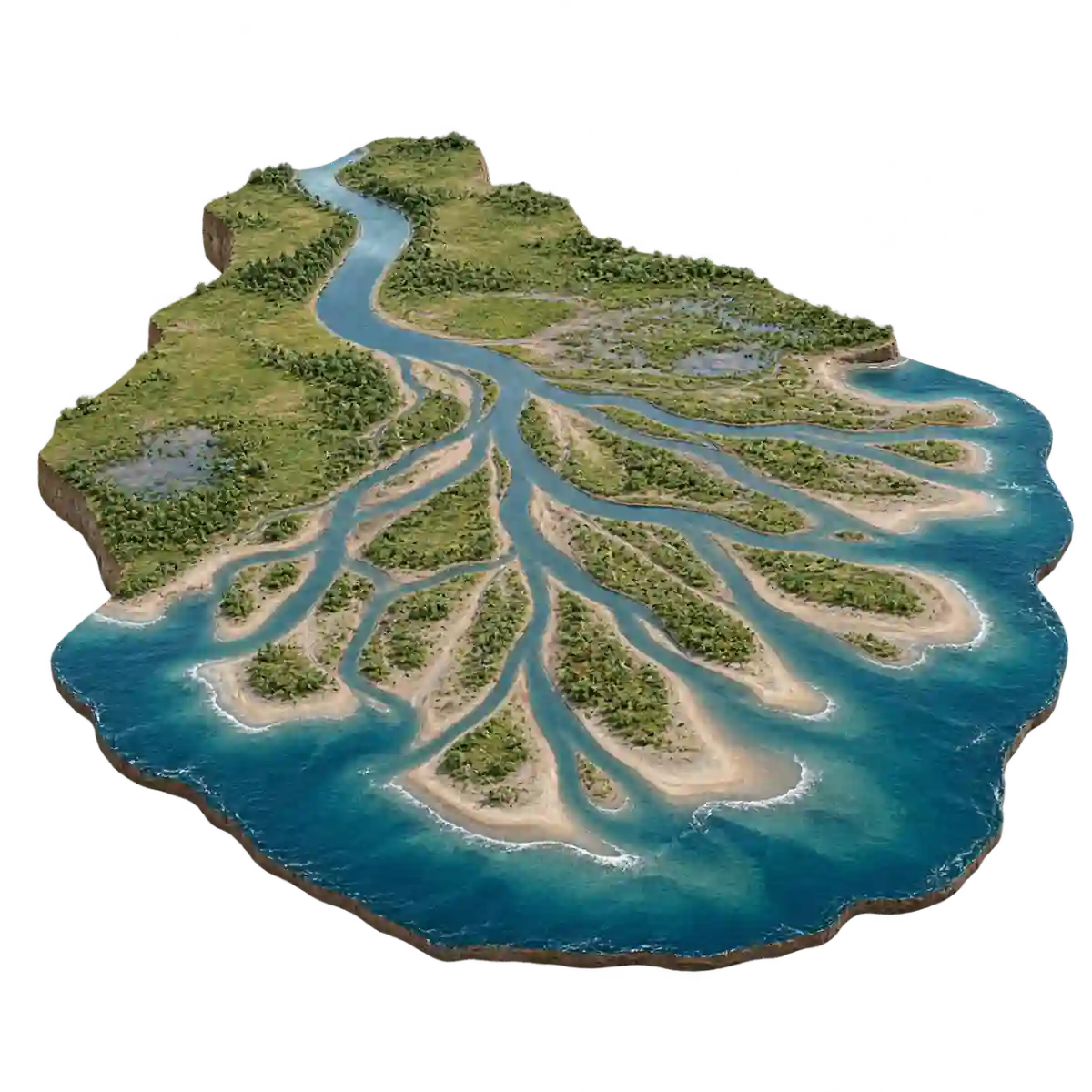
Landforms and geology name typing
1 sets · 16 unique names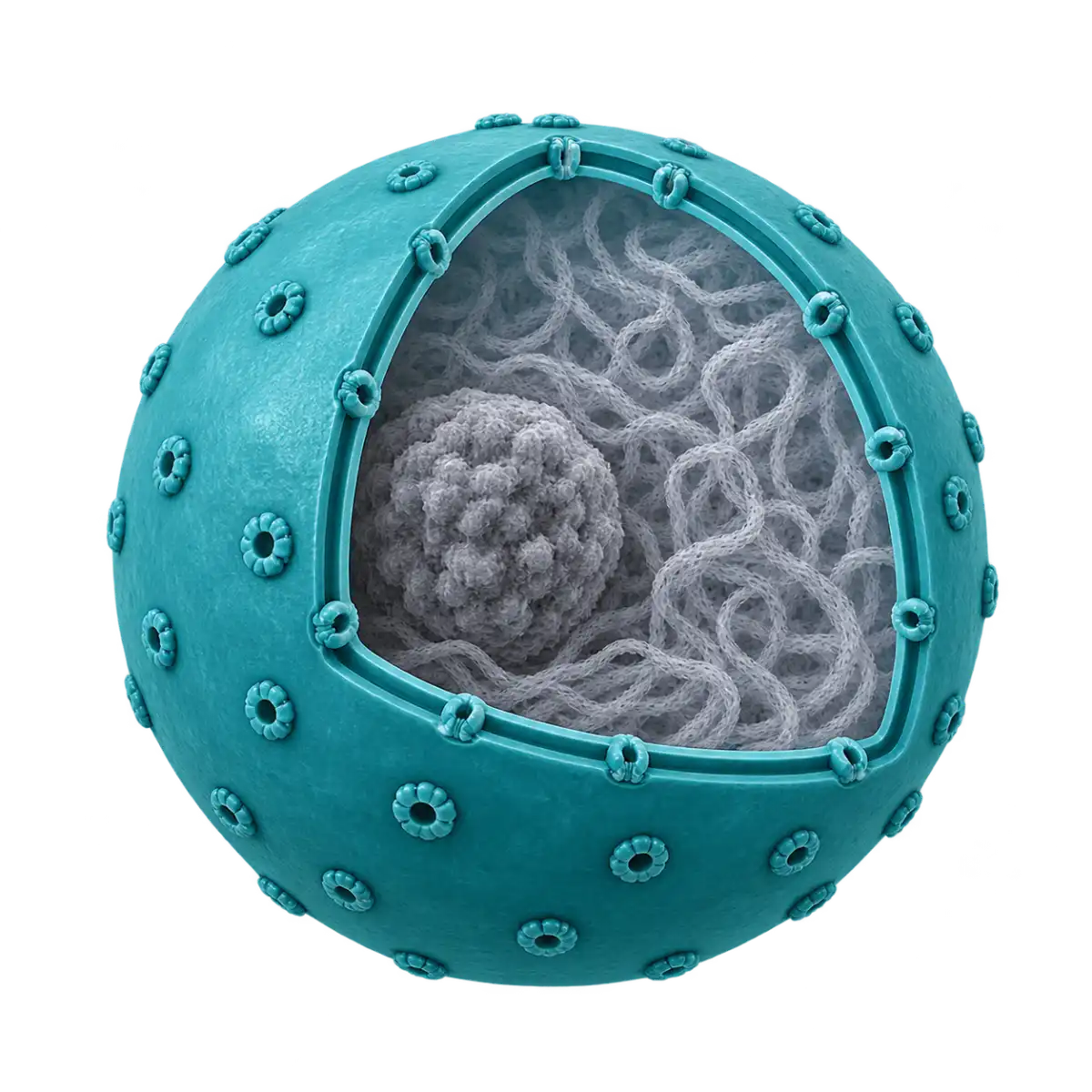
Cell organelles name typing
1 sets · 16 unique names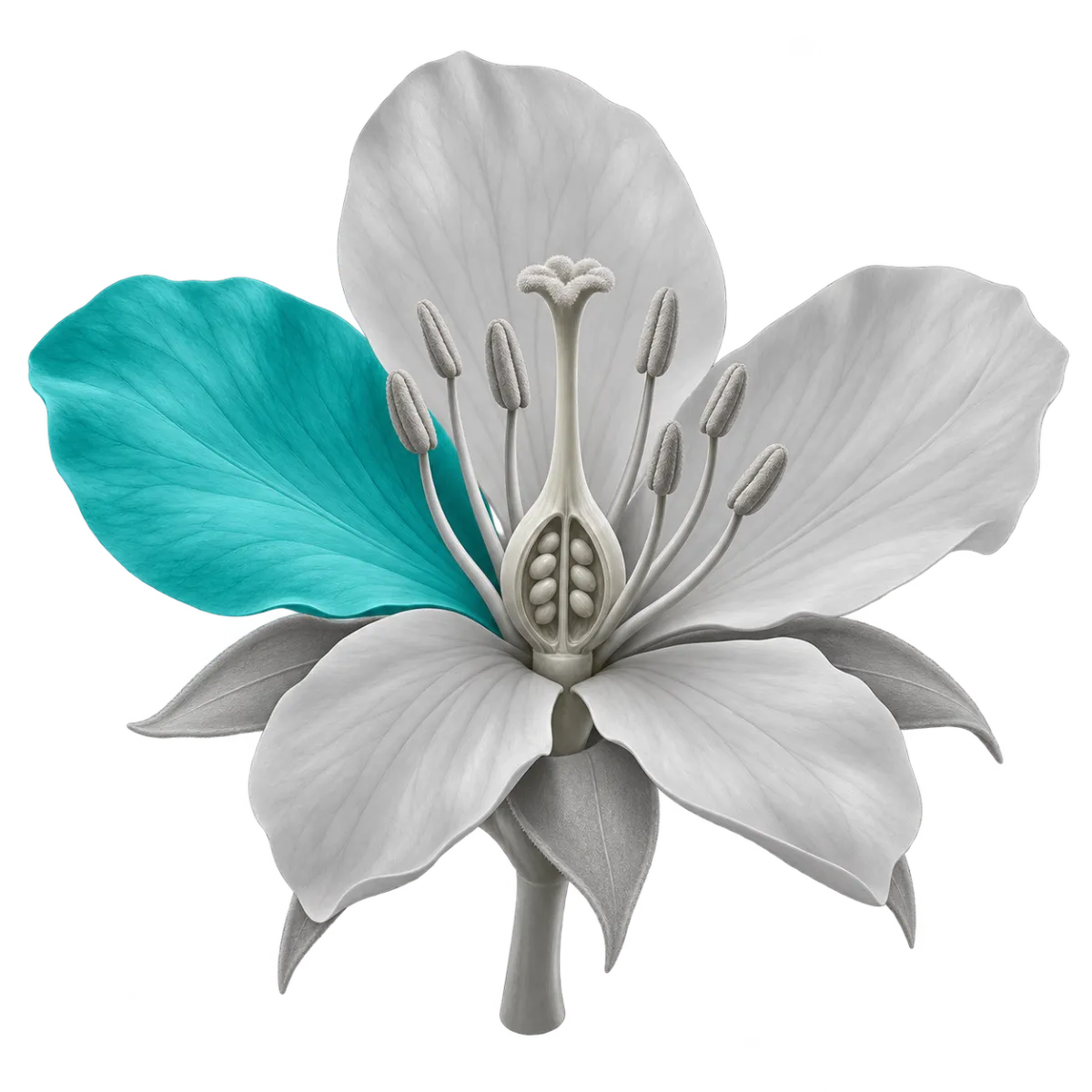
Flower anatomy name typing
1 sets · 12 unique names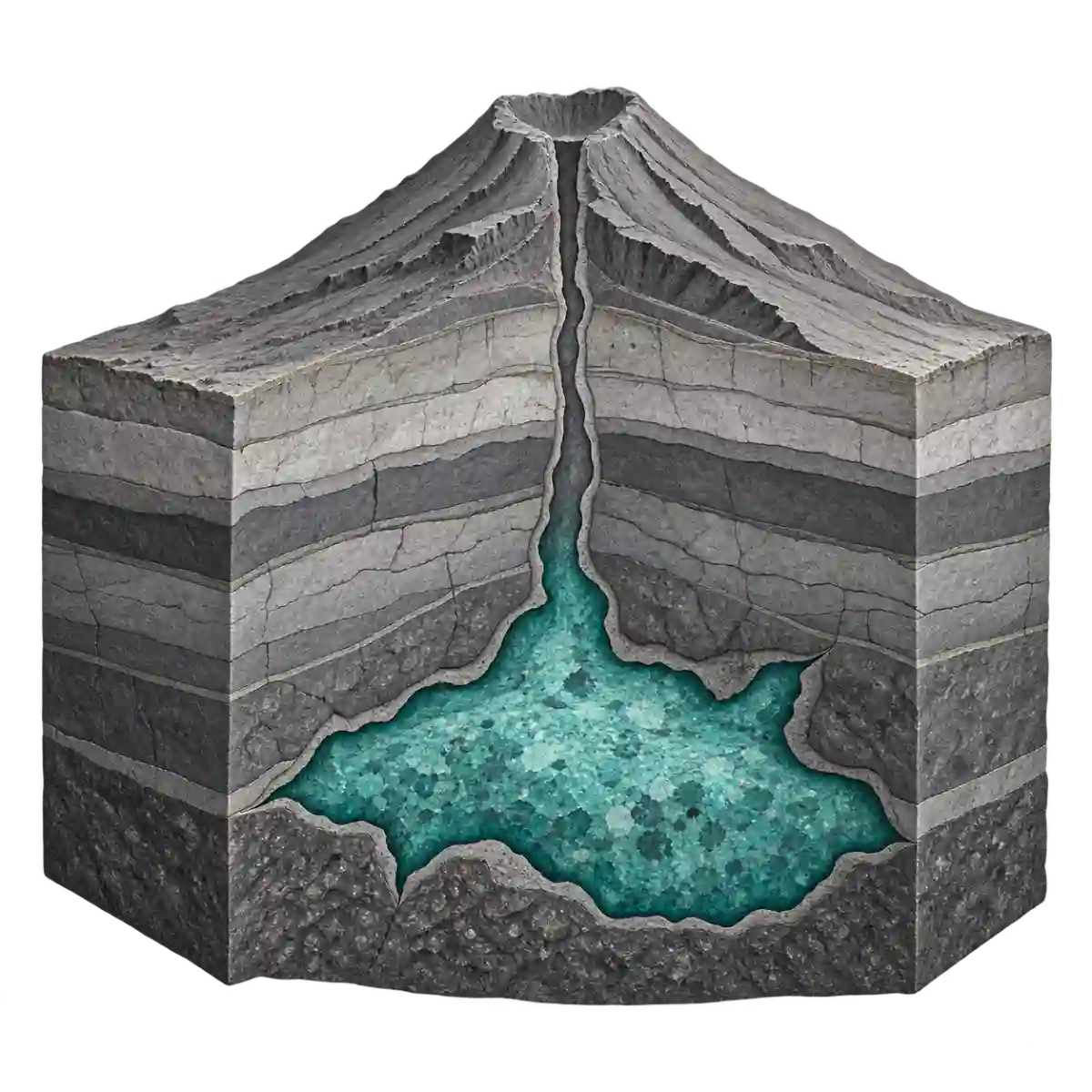
Volcano interior name typing
1 sets · 12 unique names
Bacterial forms and arrangements name typing
1 sets · 12 unique names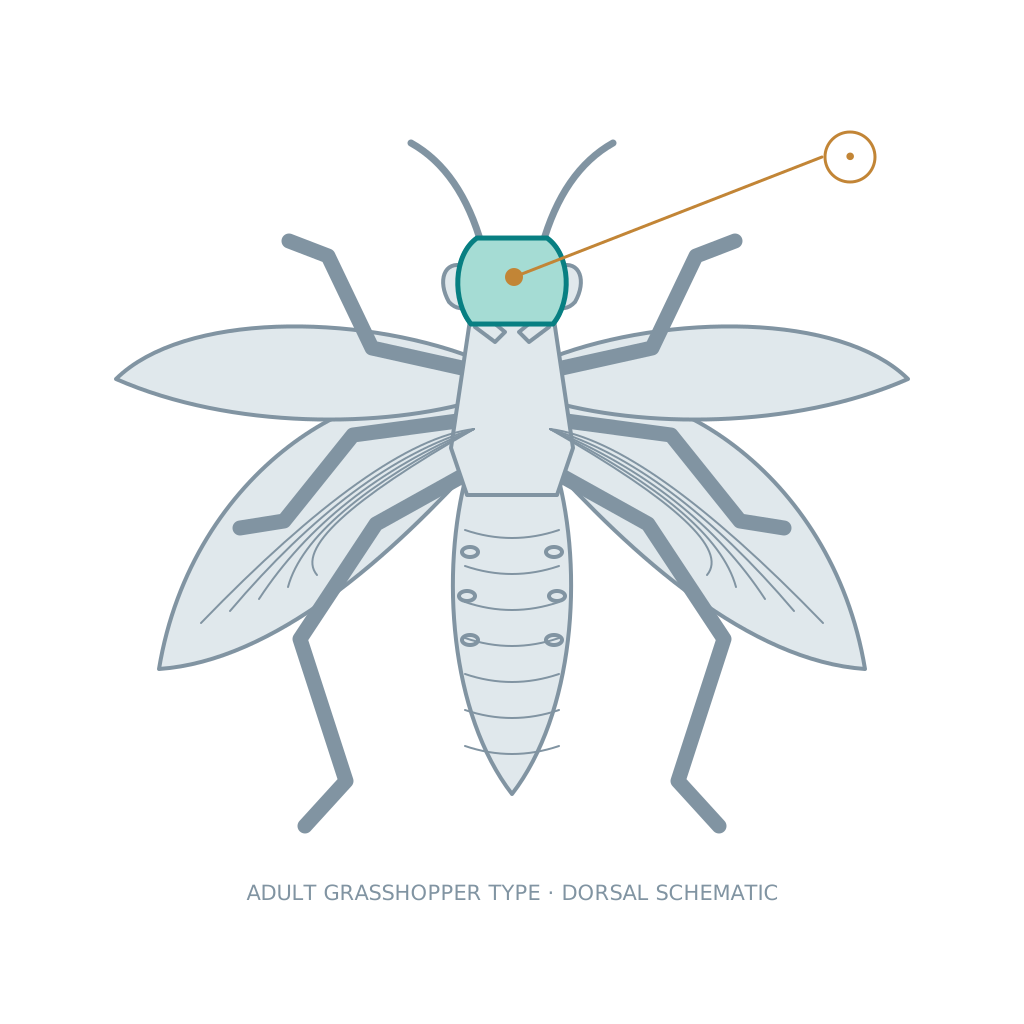
Insect anatomy name typing
2 sets · 16 unique names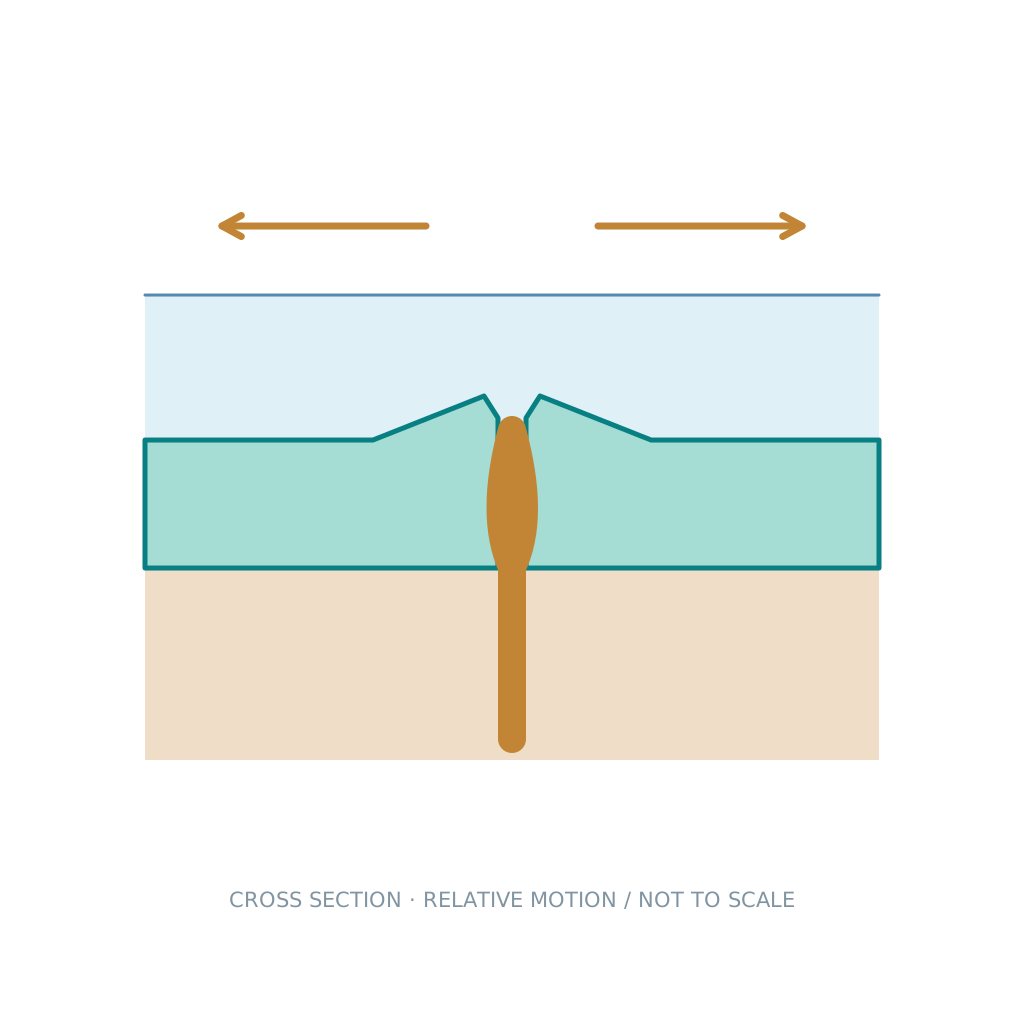
Plate boundaries and tectonics name typing
2 sets · 12 unique names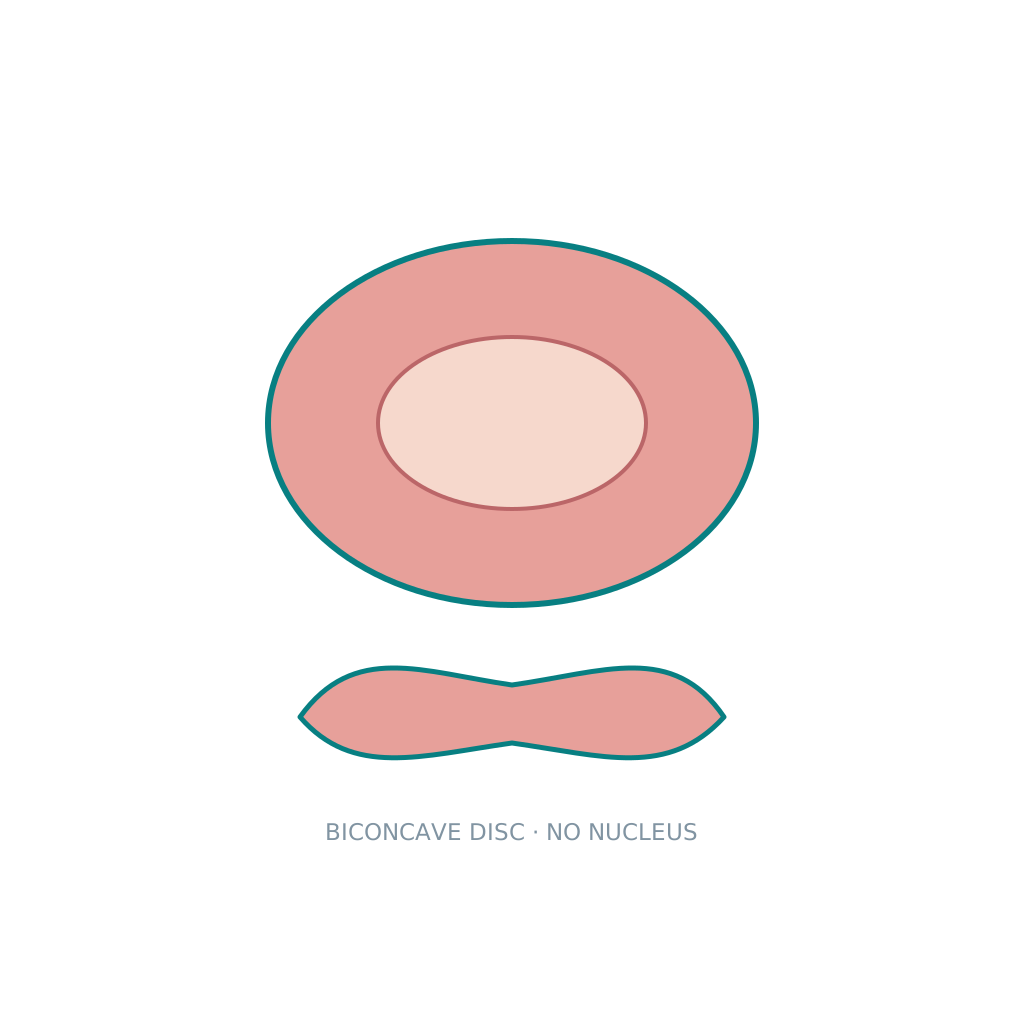
Blood and immune cells name typing
2 sets · 12 unique names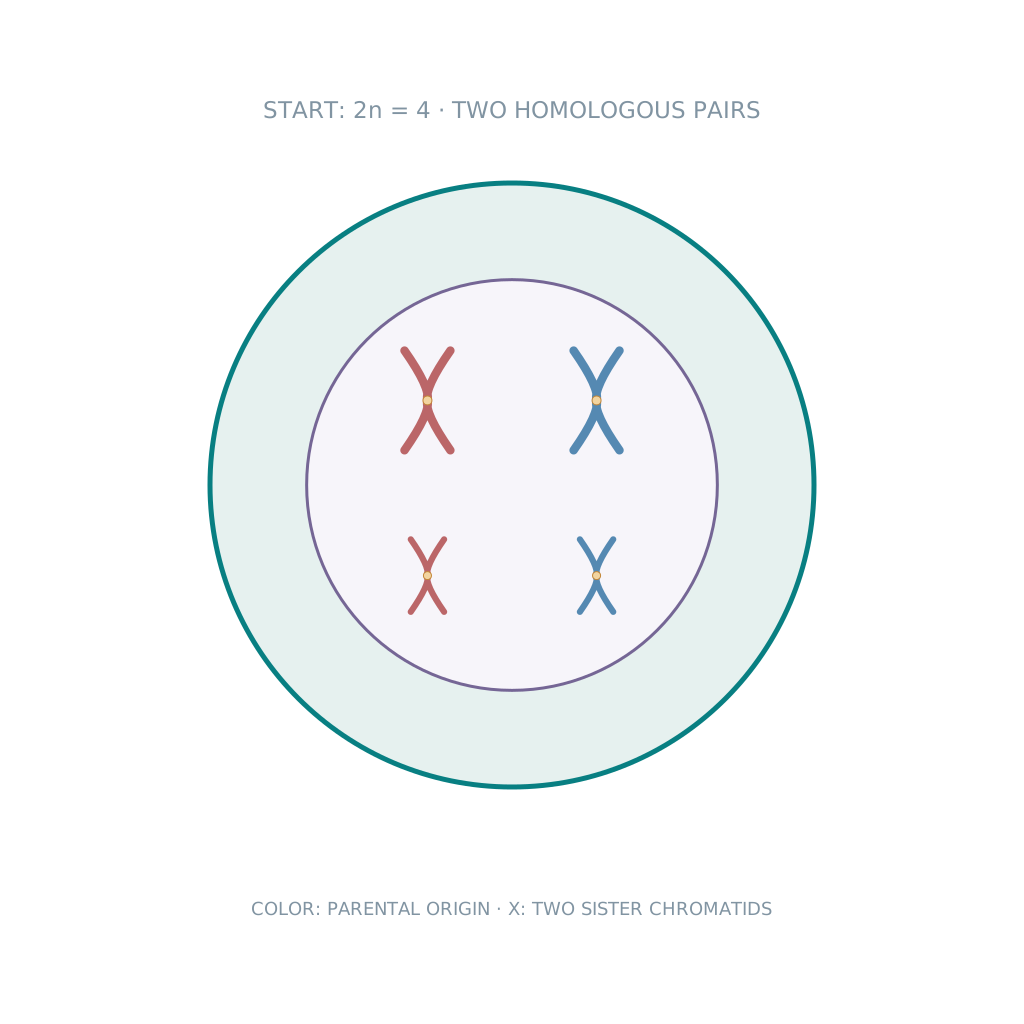
Cell division stages name typing
3 sets · 14 unique namesMachines and tools
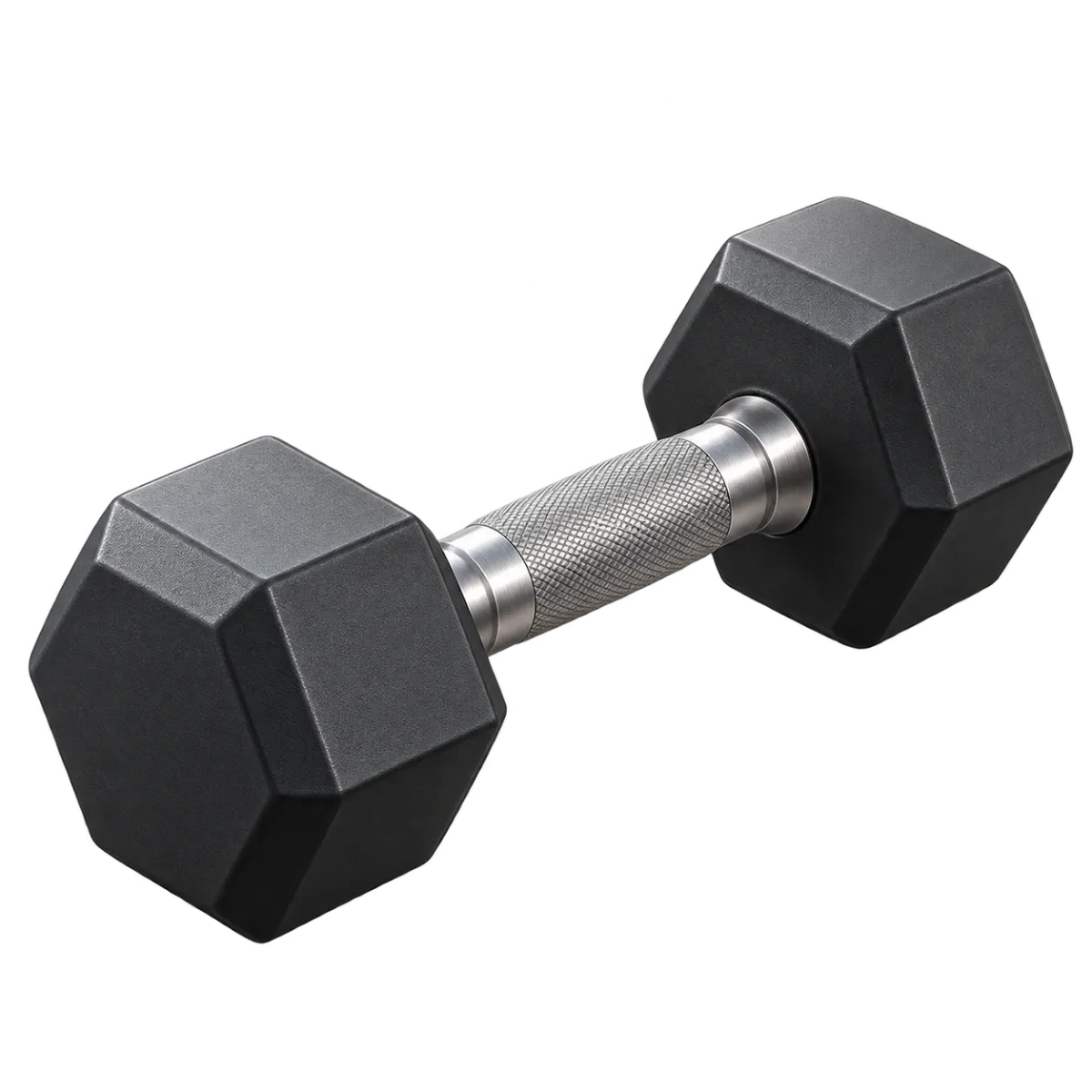
Gym equipment name typing
1 sets · 16 unique names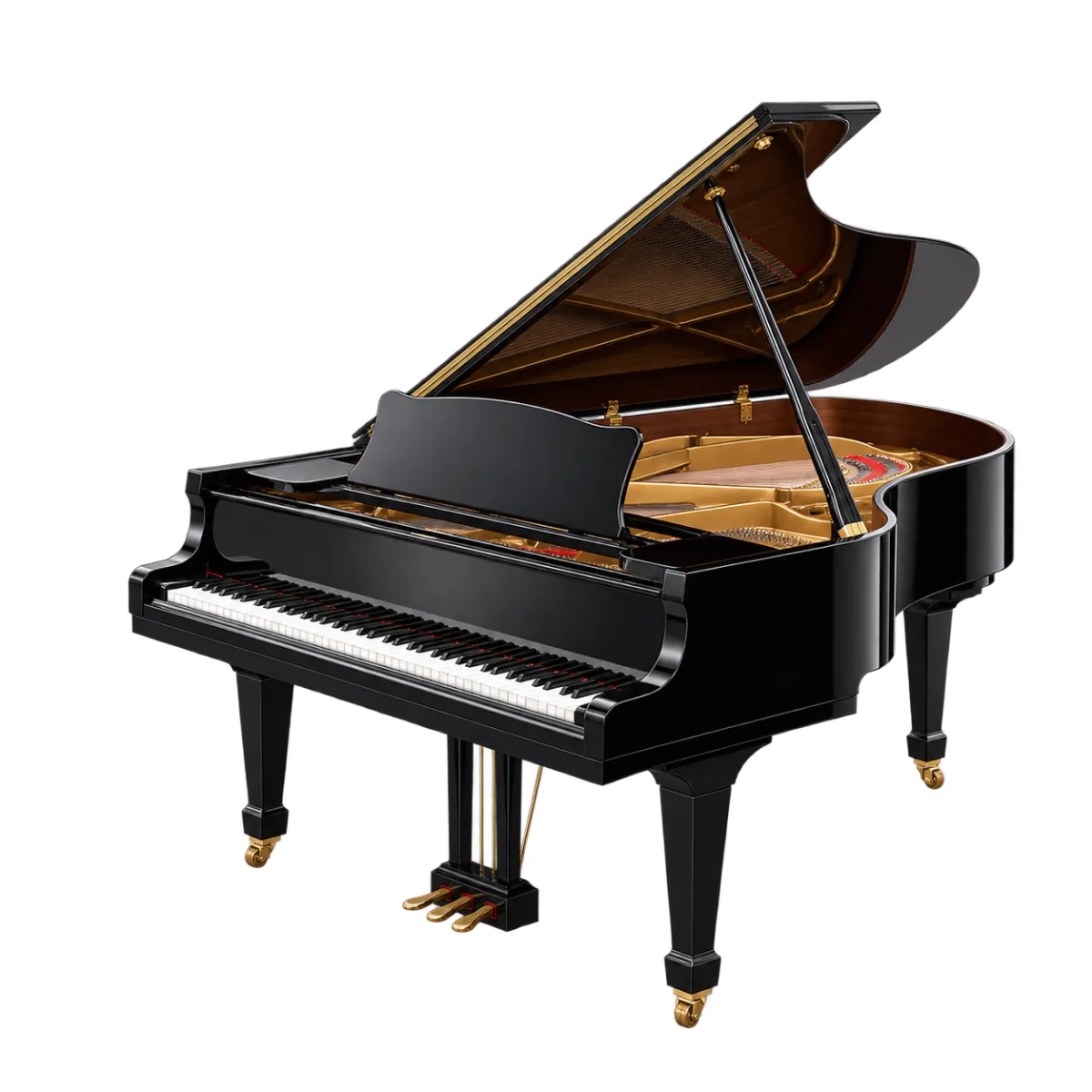
Musical instrument name typing
1 sets · 20 unique names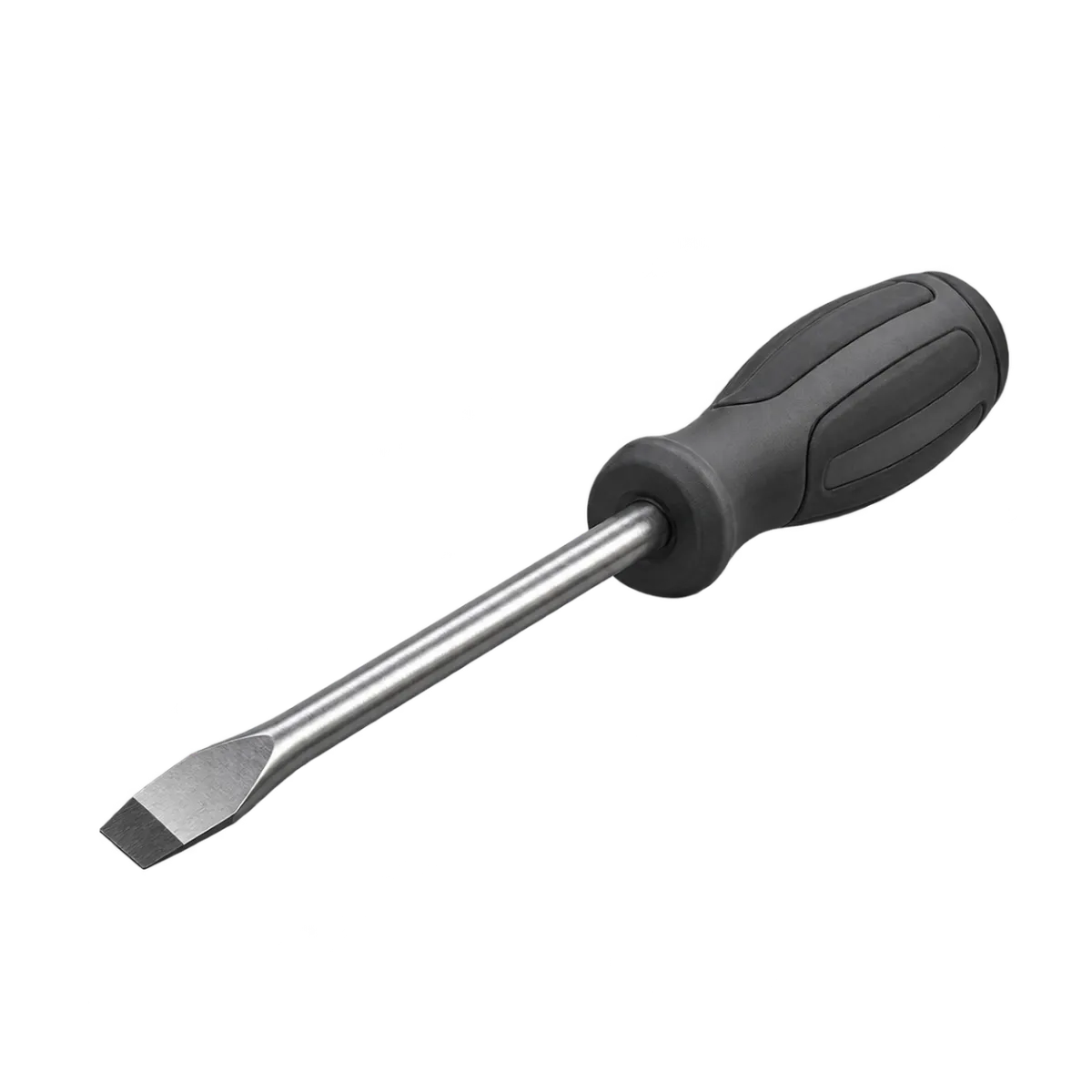
Tool name typing
1 sets · 20 unique names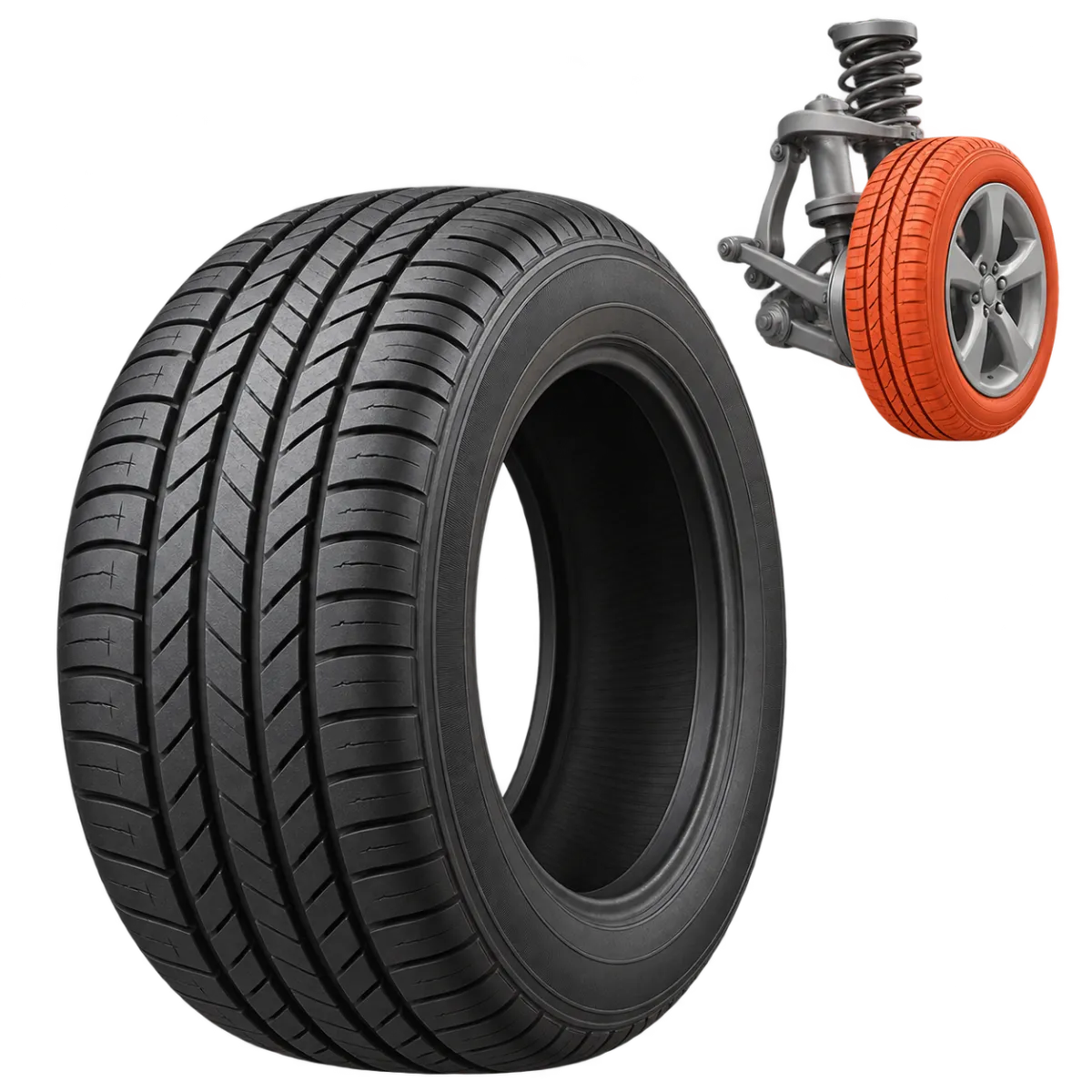
Car parts name typing
1 sets · 20 unique names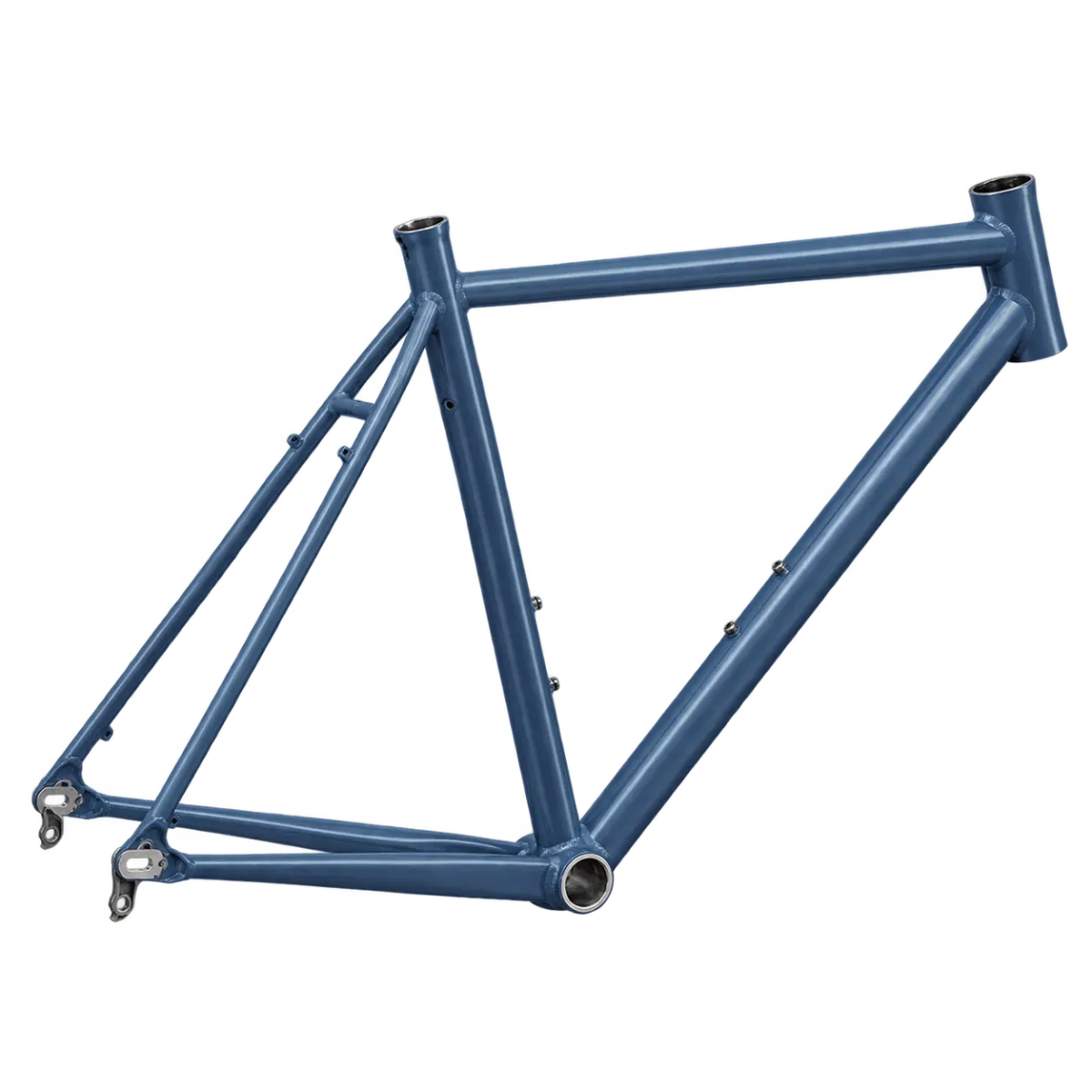
Bicycle parts name typing
1 sets · 20 unique names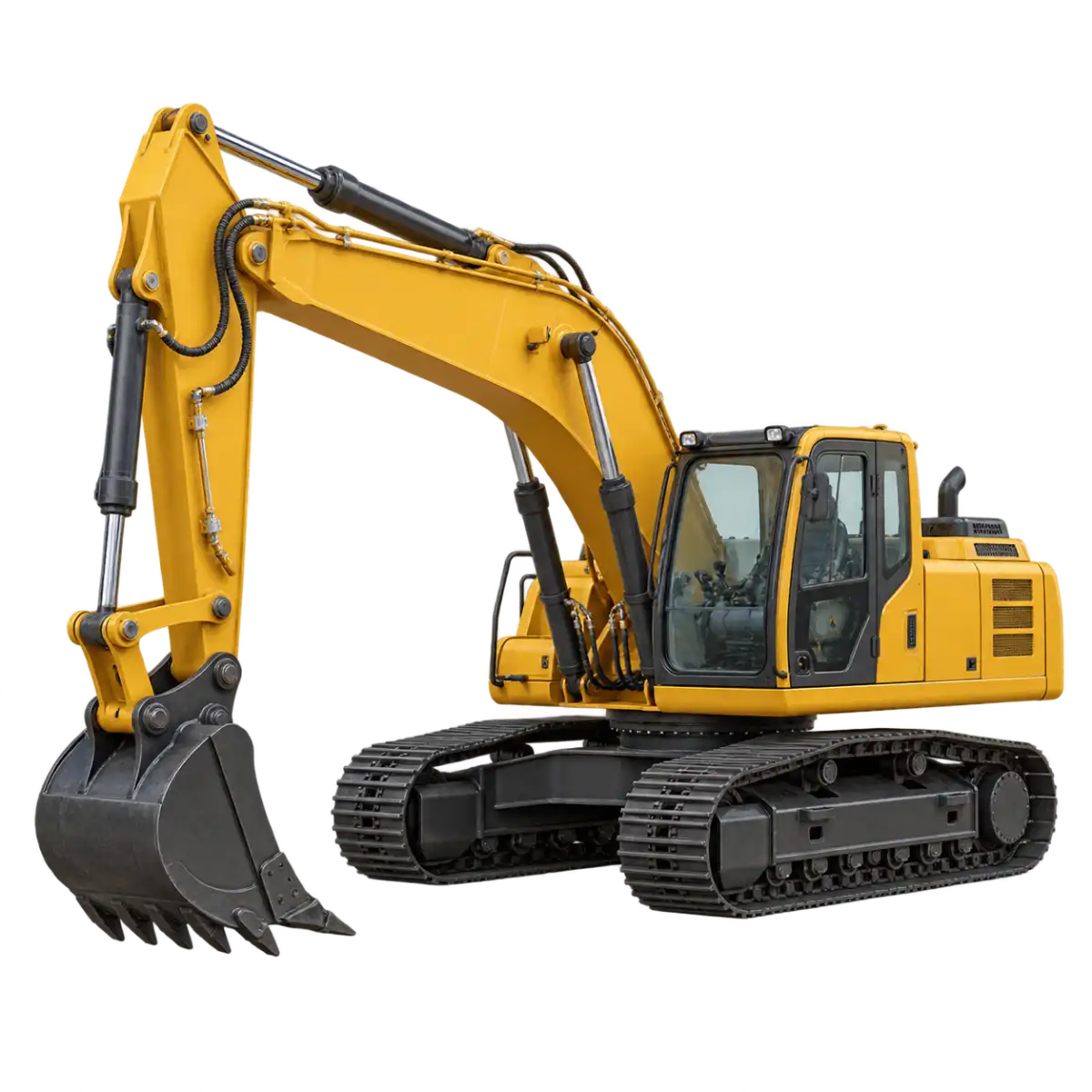
Heavy equipment name typing
1 sets · 16 unique names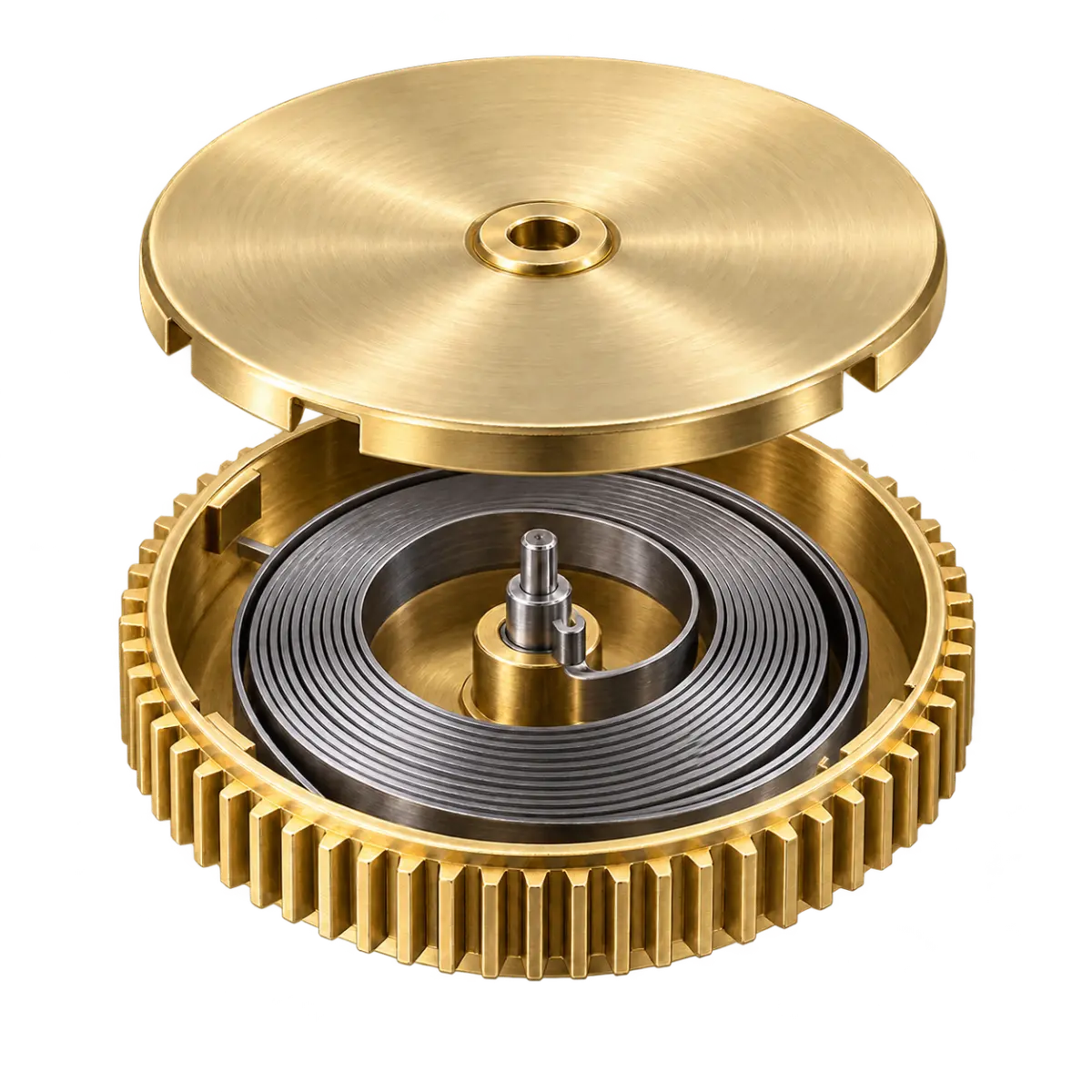
Mechanical watch parts name typing
1 sets · 16 unique names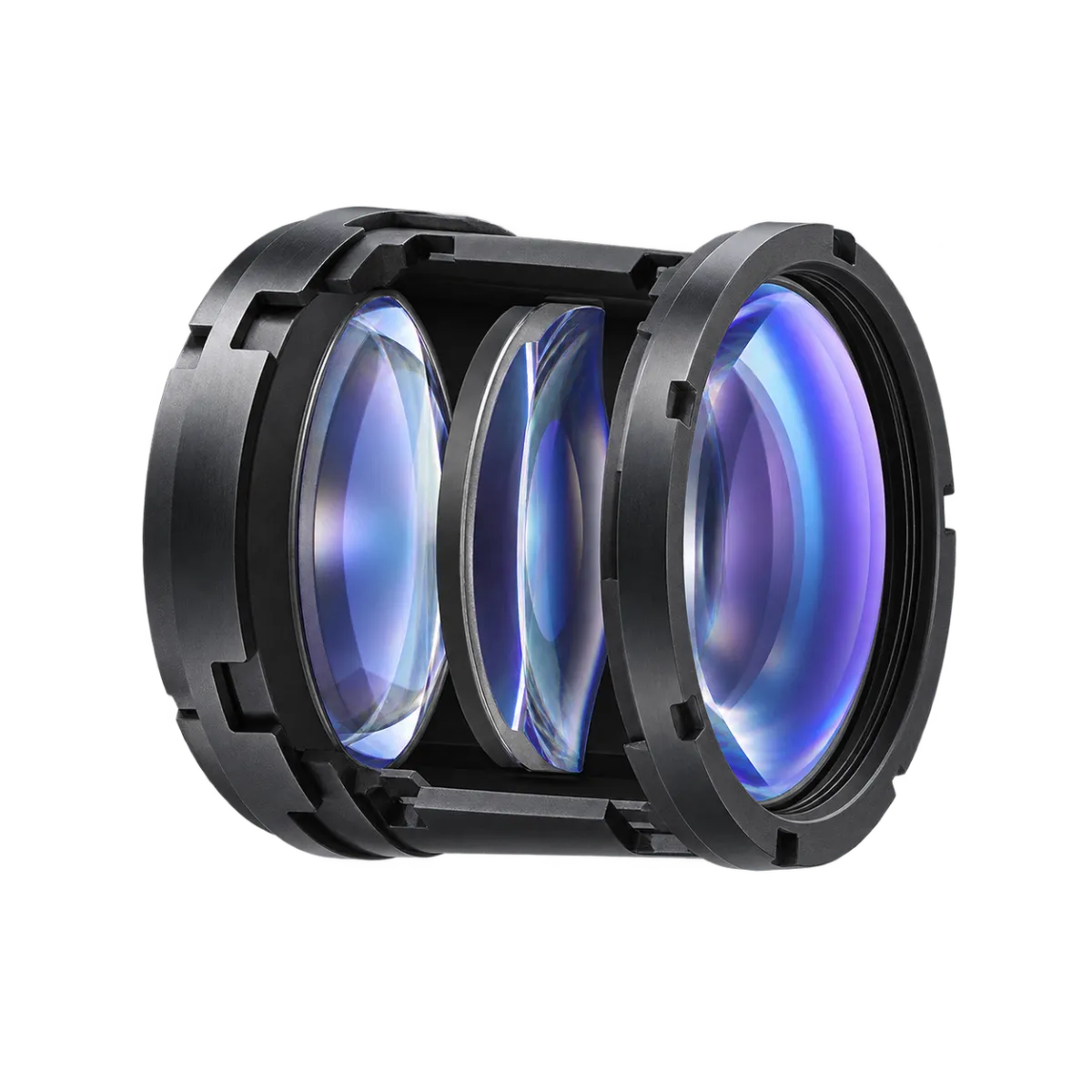
Camera structure name typing
1 sets · 12 unique names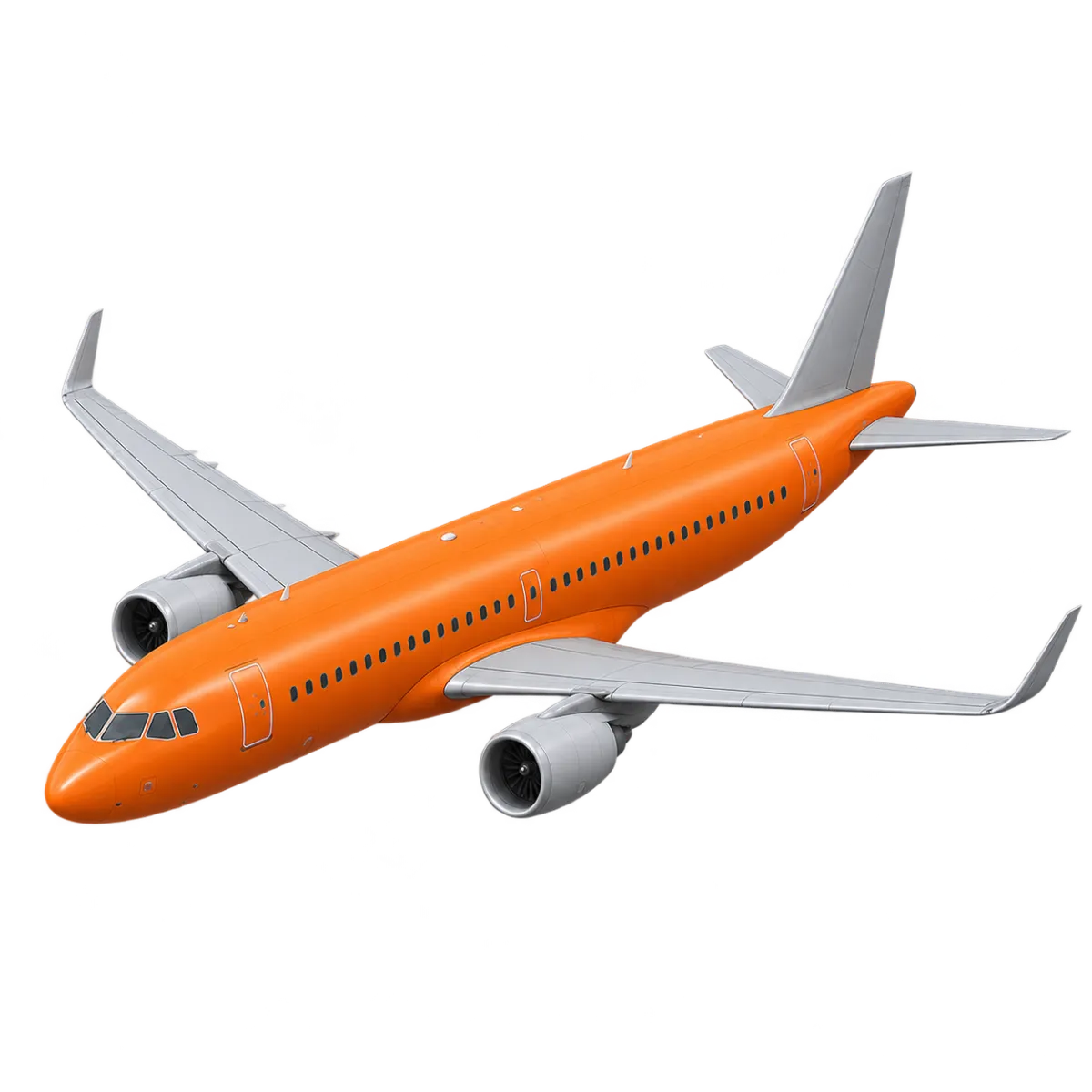
Aircraft structure name typing
1 sets · 16 unique names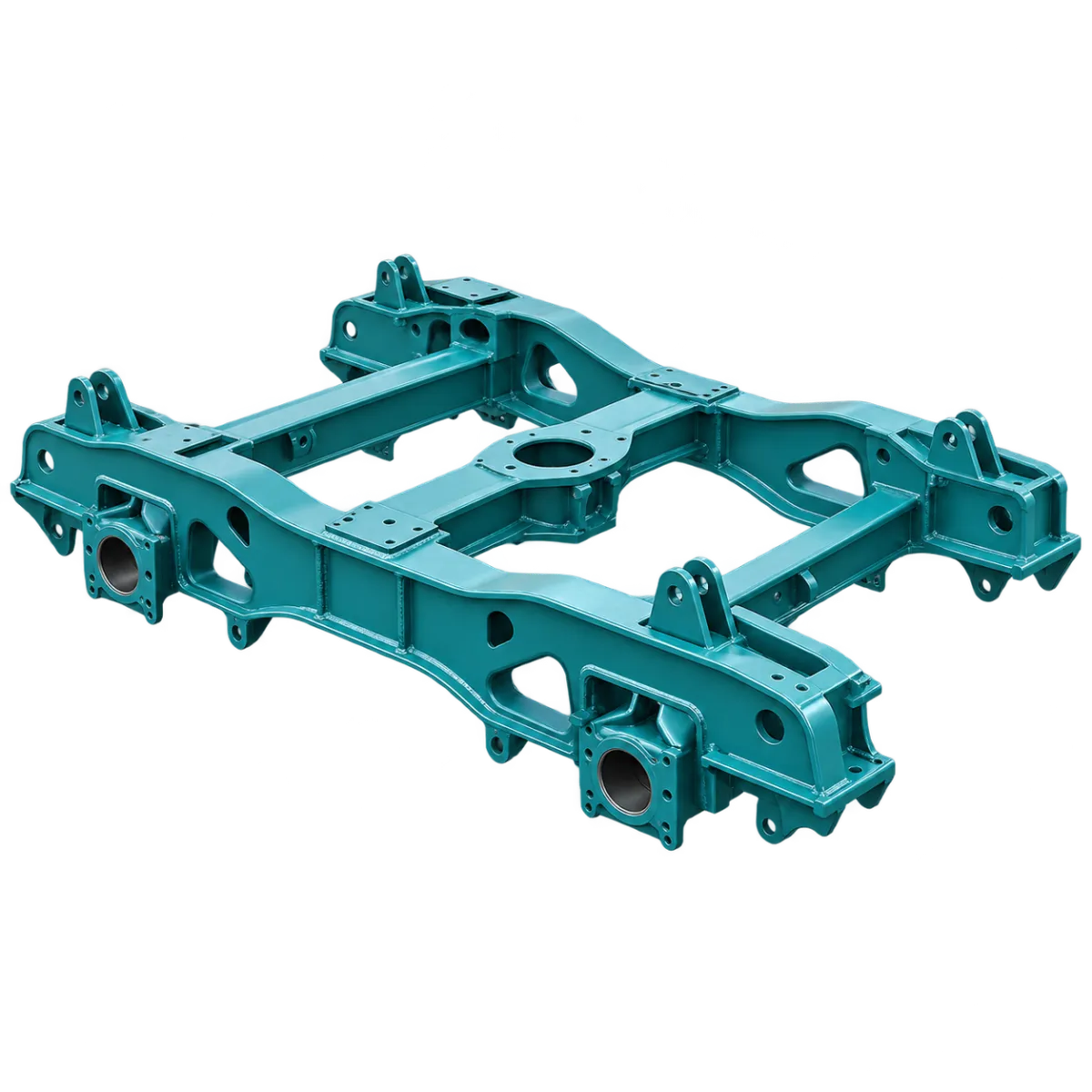
Rail vehicle structure name typing
1 sets · 16 unique names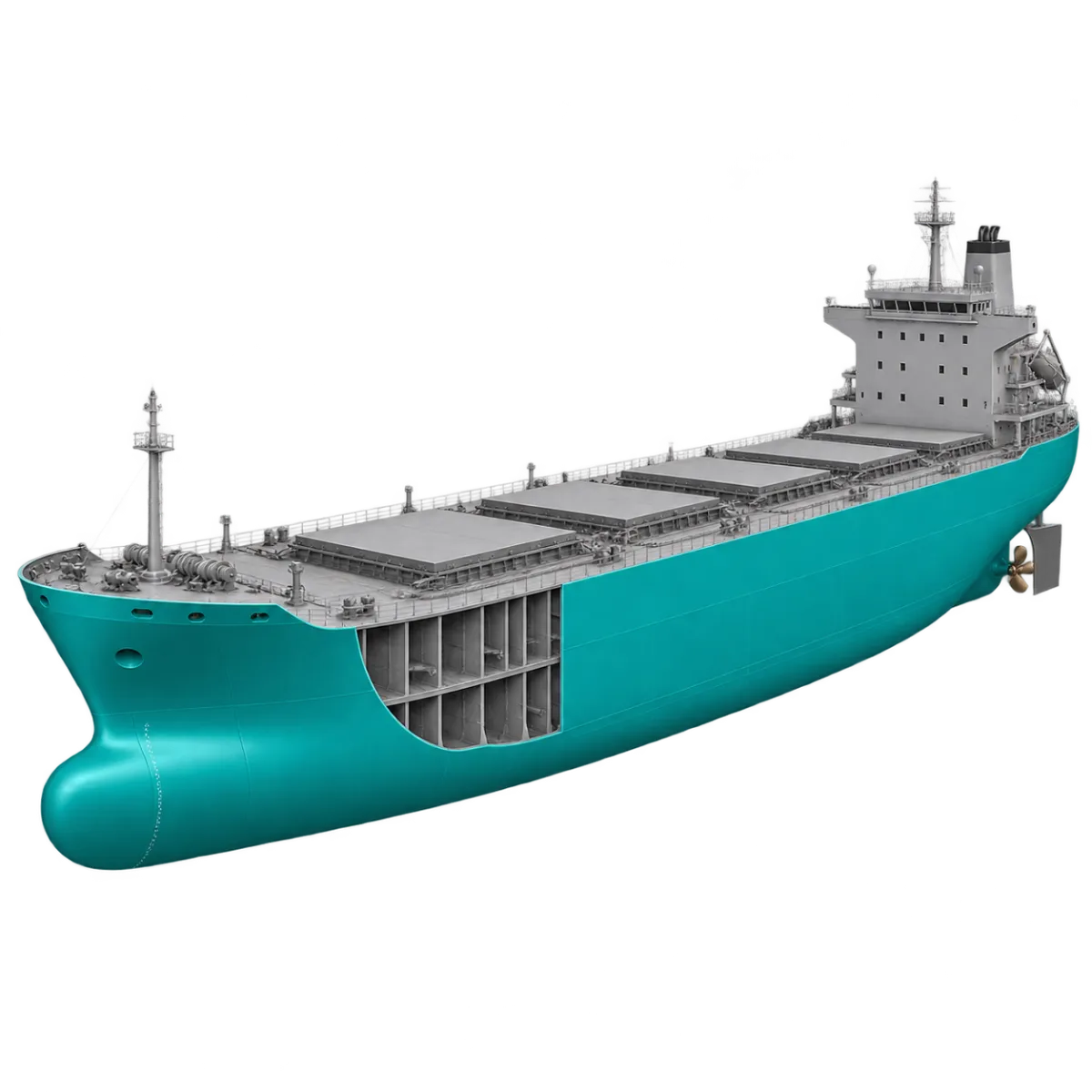
Ship structure name typing
1 sets · 16 unique names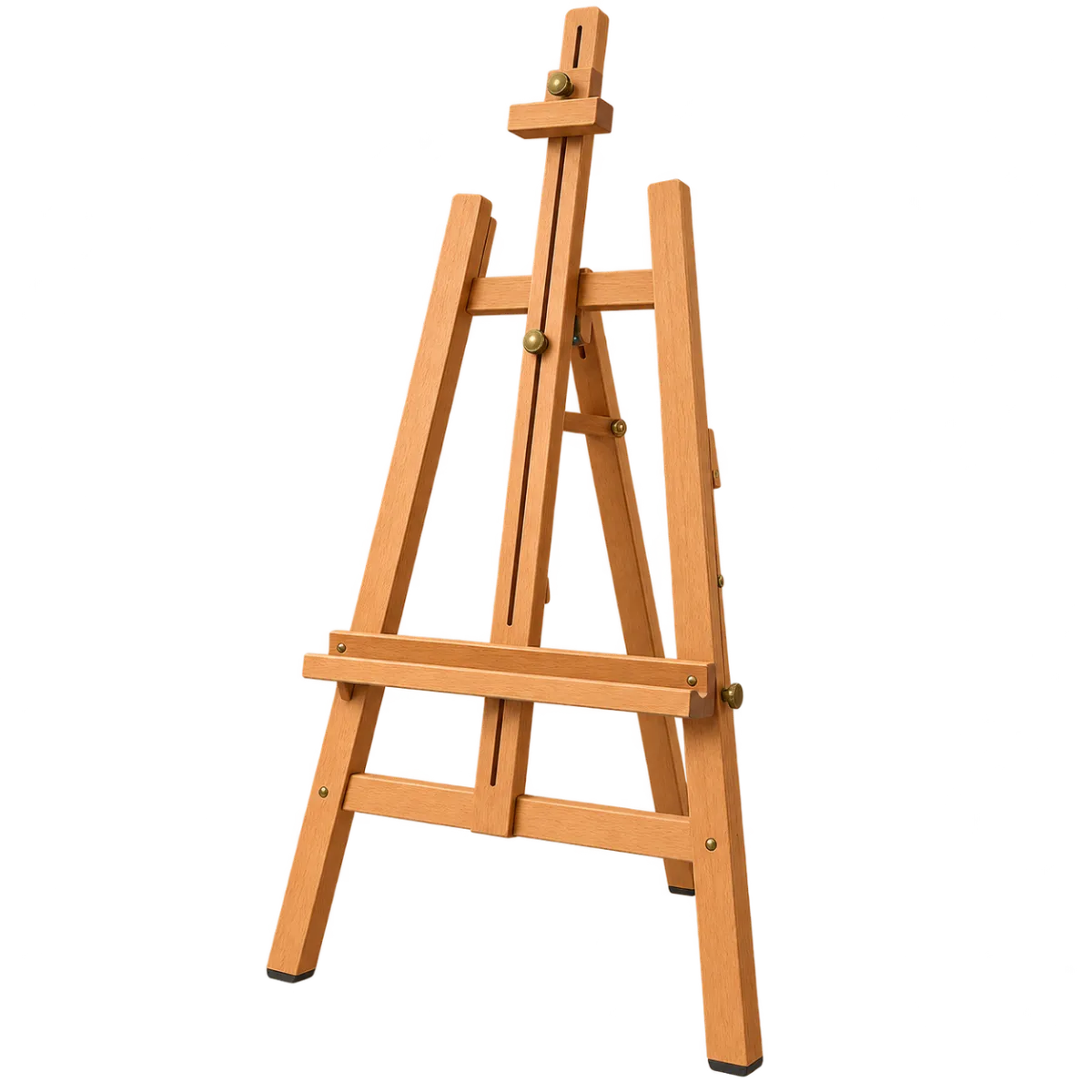
Drawing and painting tools name typing
1 sets · 20 unique names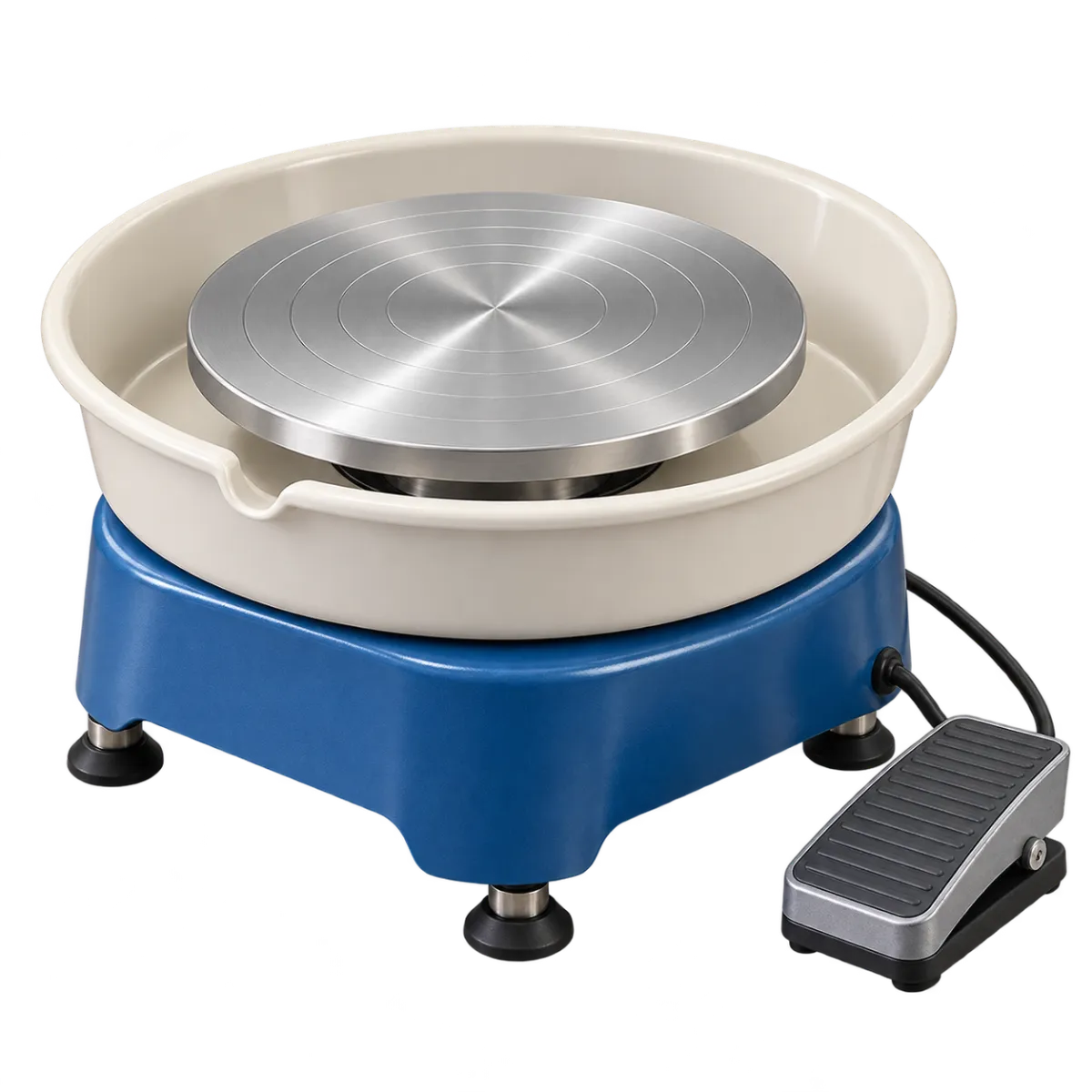
Pottery and modelling tools name typing
1 sets · 16 unique names
Music notation name typing
3 sets · 32 unique names
Intervals and triads name typing
2 sets · 16 unique names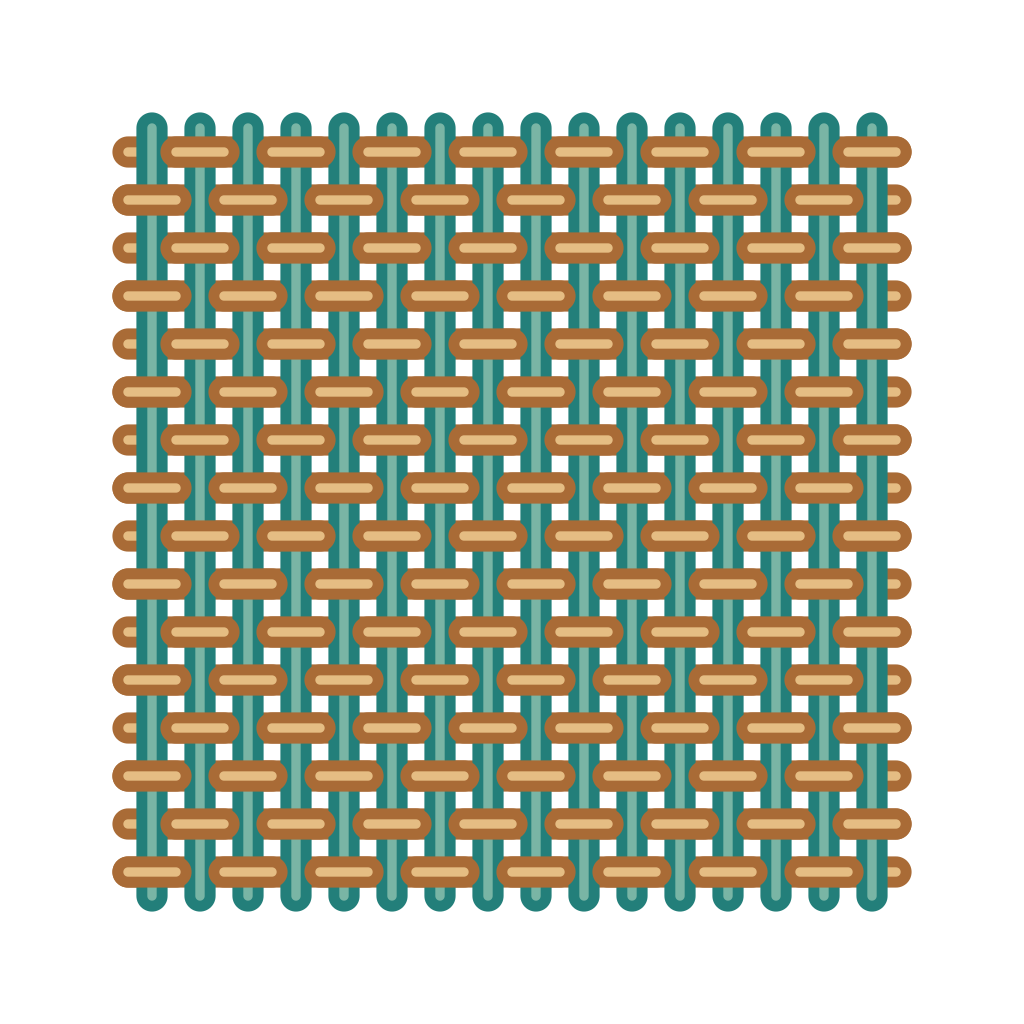
Textile weaves name typing
1 sets · 12 unique names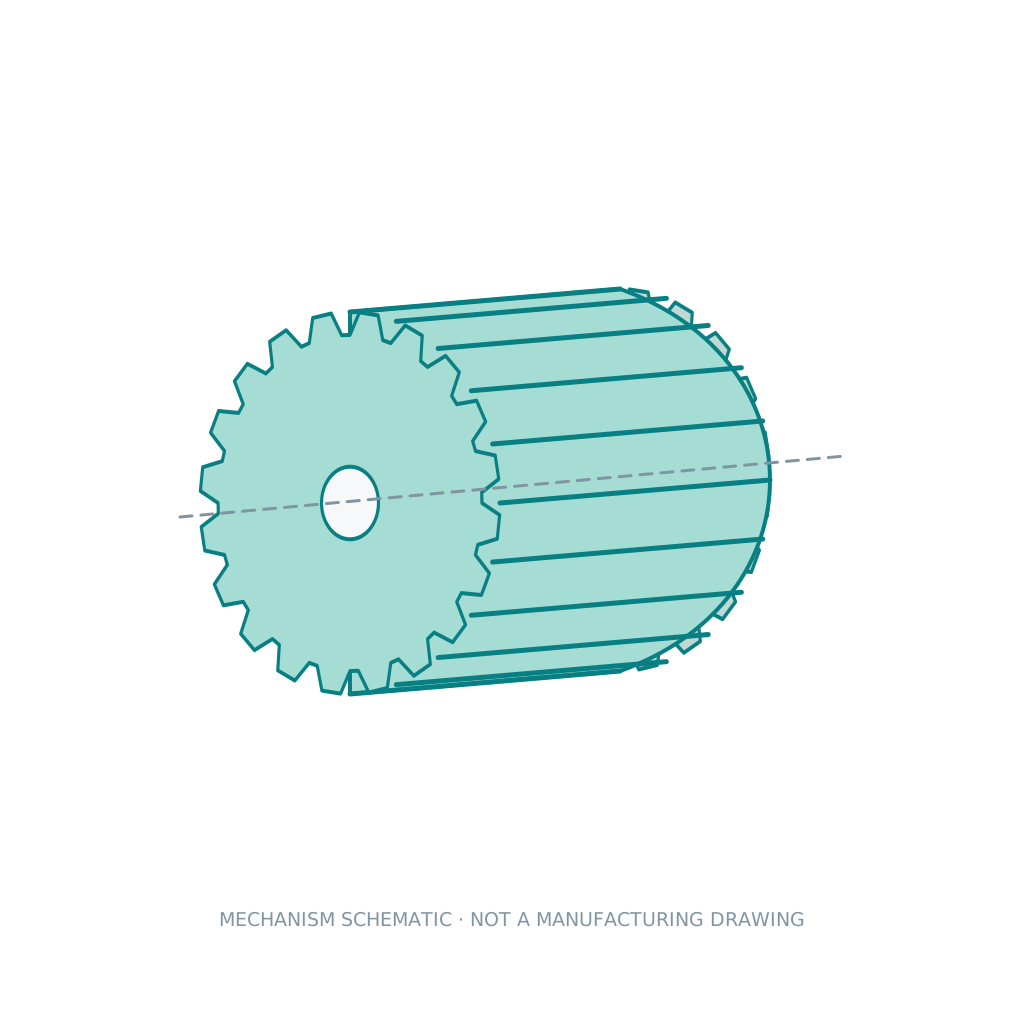
Gears and power transmission name typing
2 sets · 16 unique names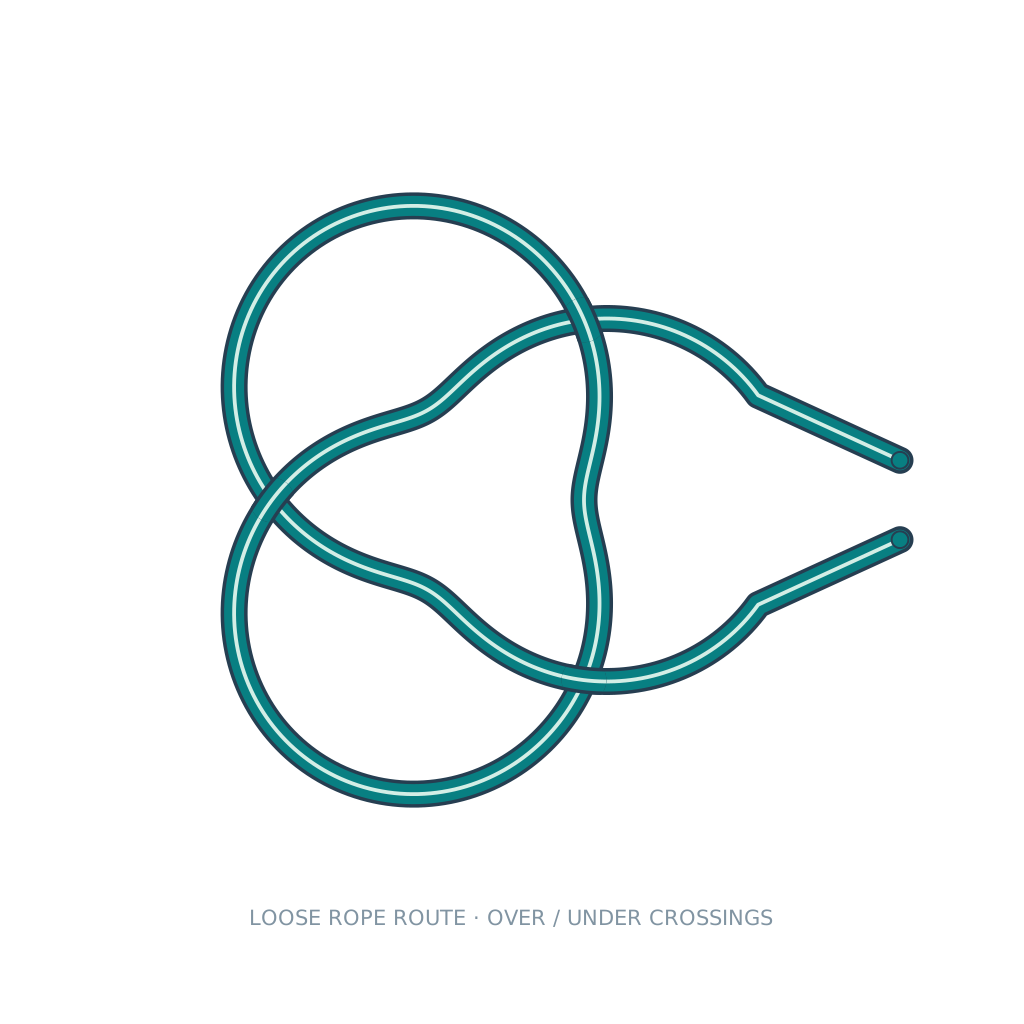
Knots name typing
3 sets · 16 unique names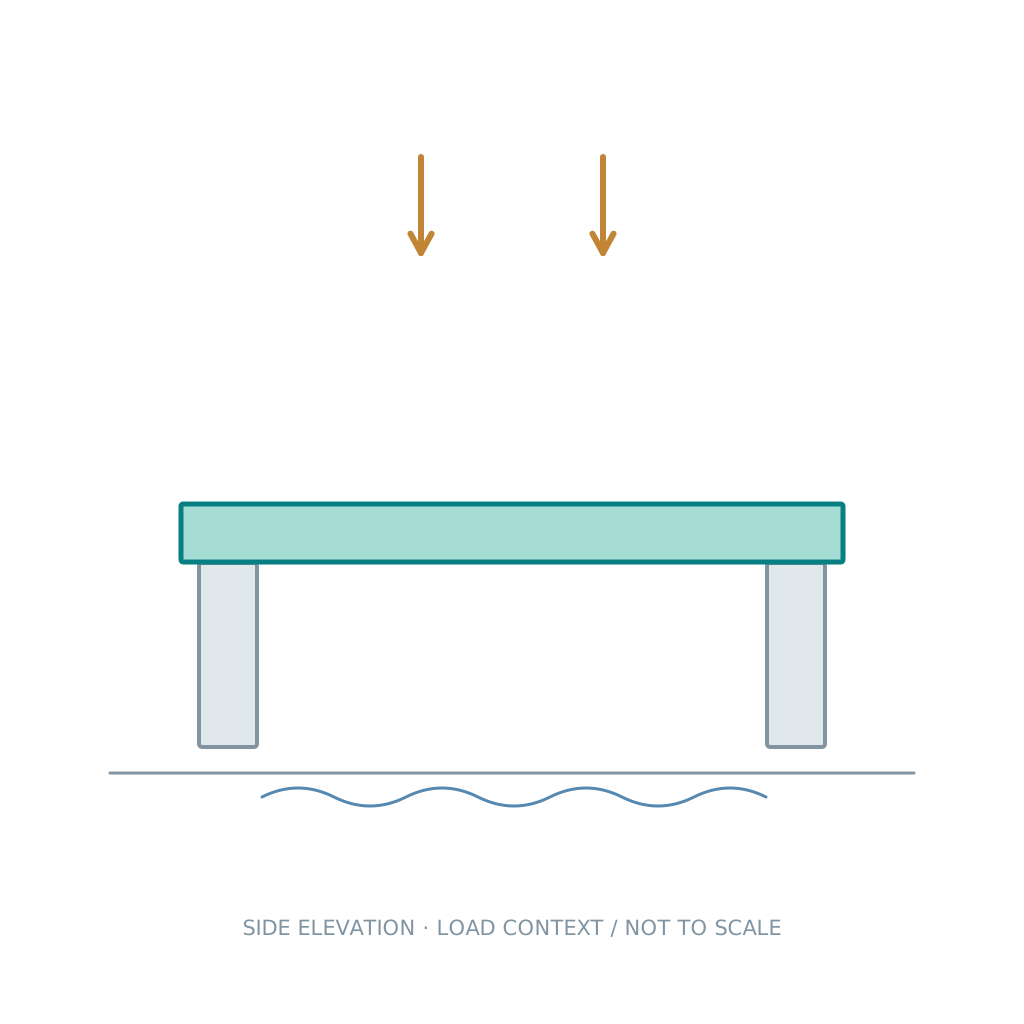
Bridge types and structures name typing
2 sets · 12 unique names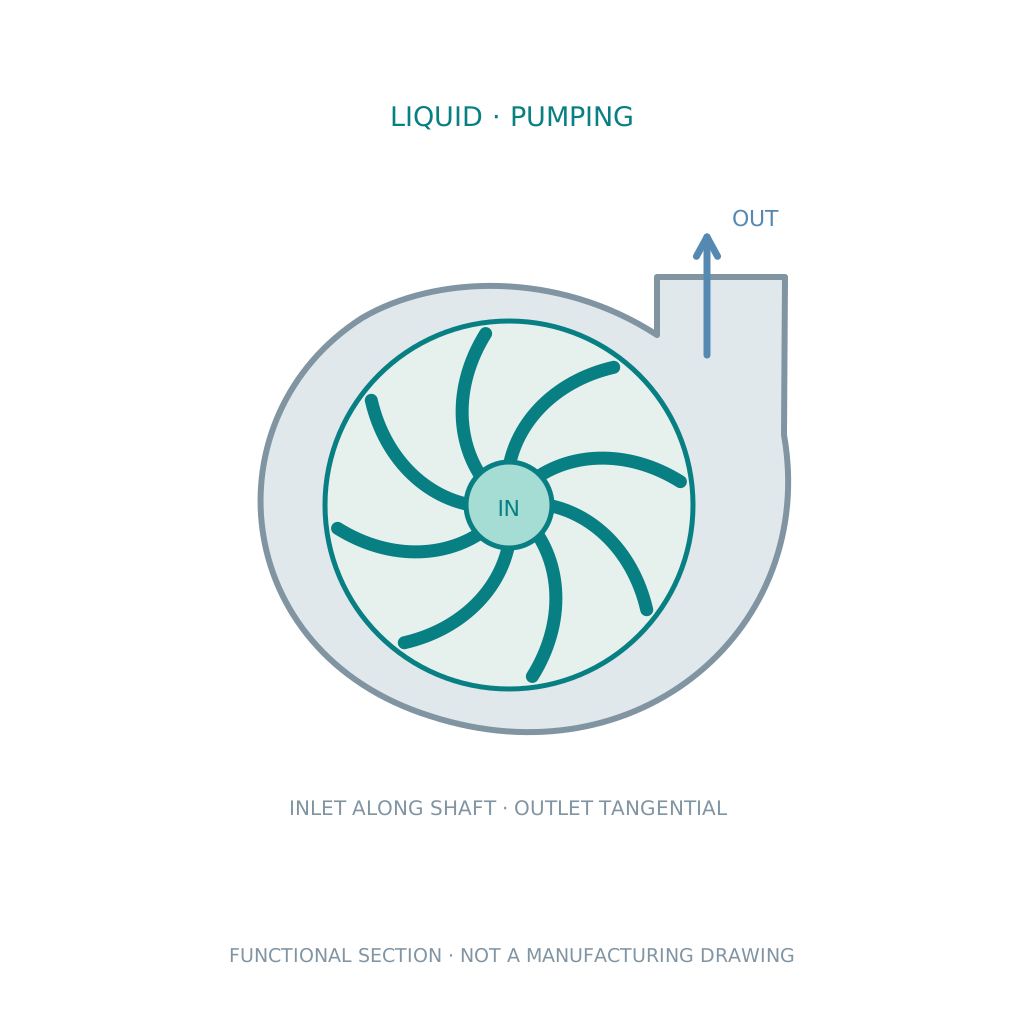
Pumps and compressors name typing
2 sets · 16 unique namesScience and technology
Element name typing
4 sets · 118 unique names
Computer parts name typing
1 sets · 12 unique names
Laboratory equipment name typing
1 sets · 16 unique names
Electronic components name typing
1 sets · 16 unique names
Semiconductor name typing
2 sets · 20 unique names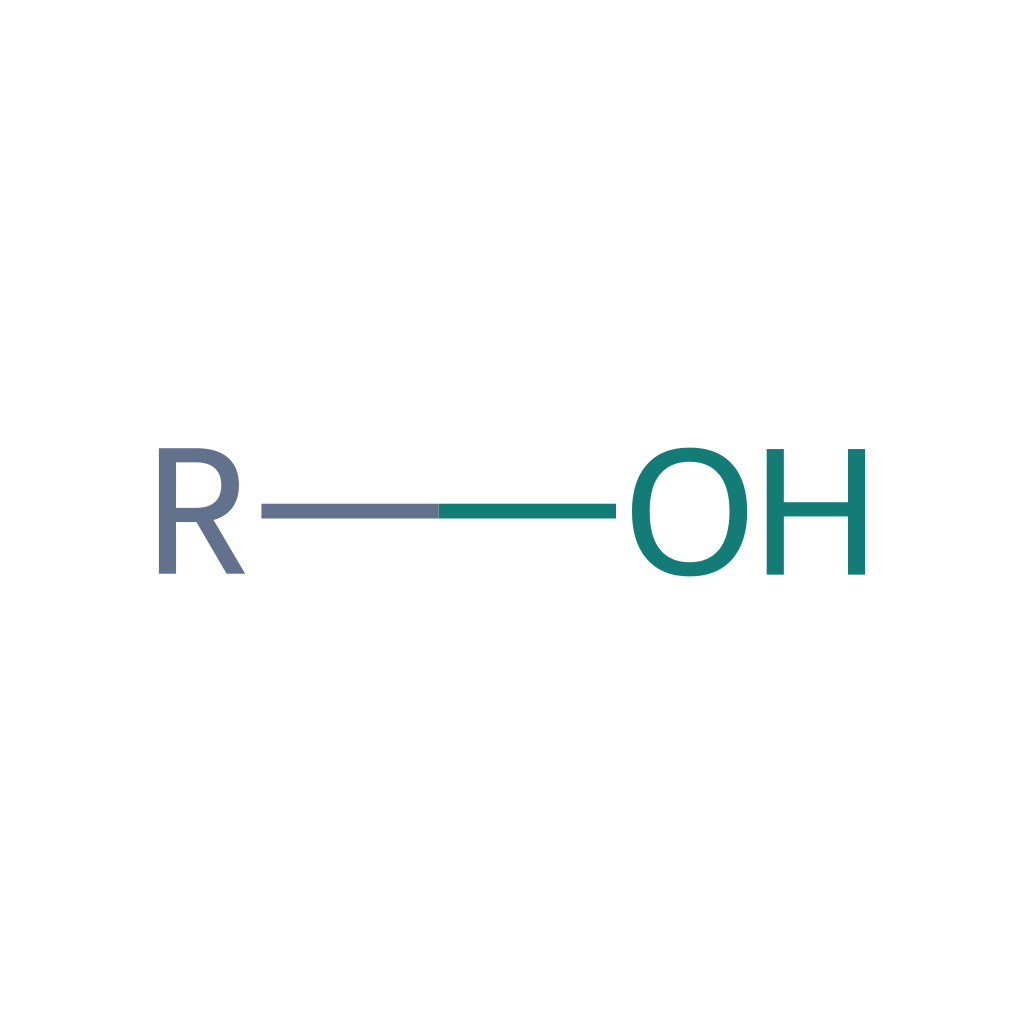
Organic functional groups name typing
1 sets · 20 unique names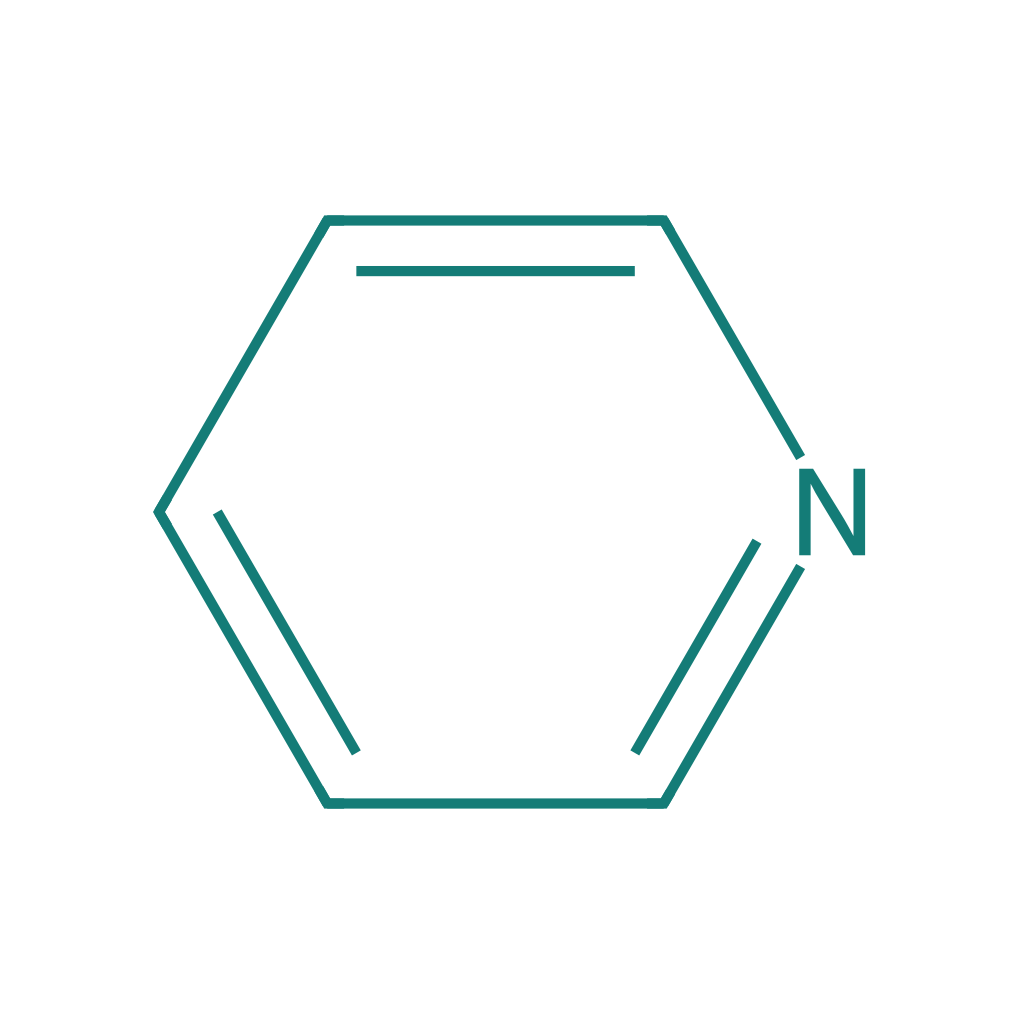
Heterocyclic skeletons name typing
1 sets · 16 unique names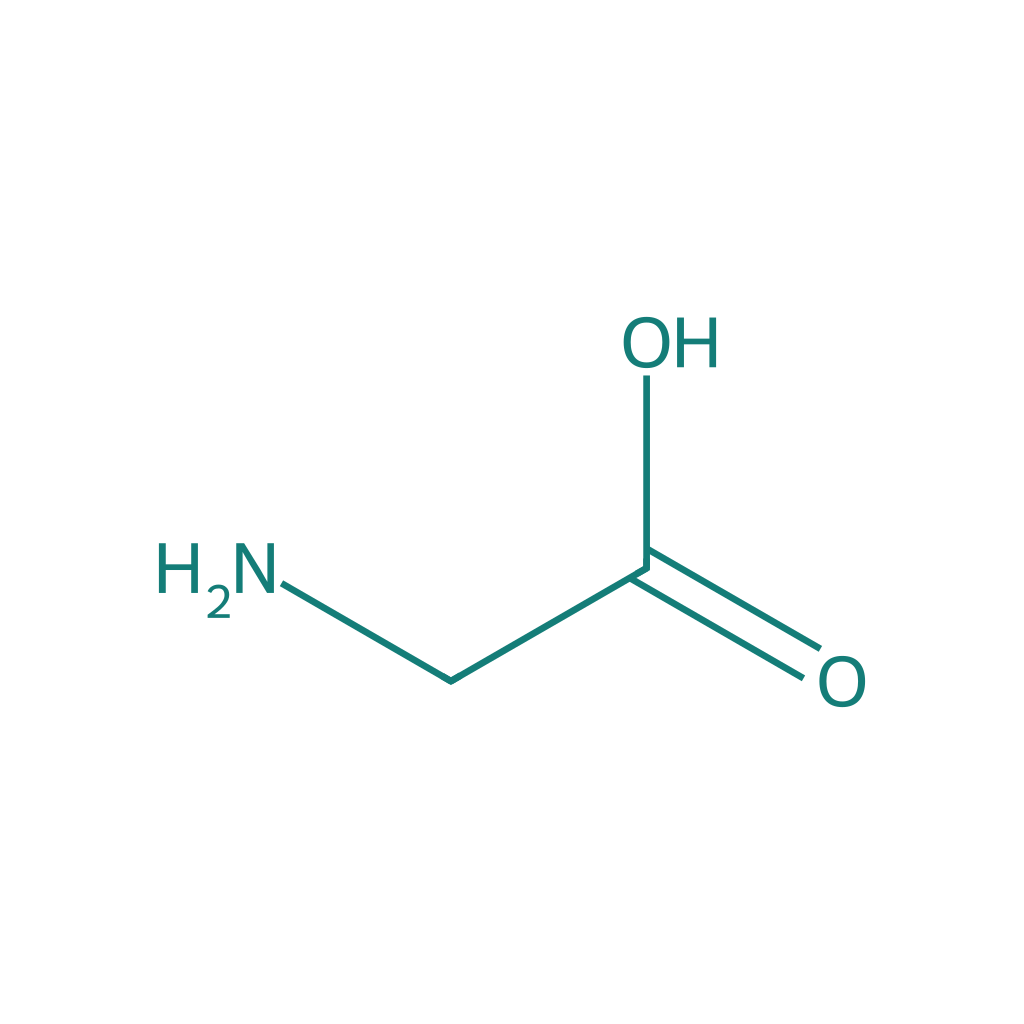
Amino acids name typing
1 sets · 20 unique names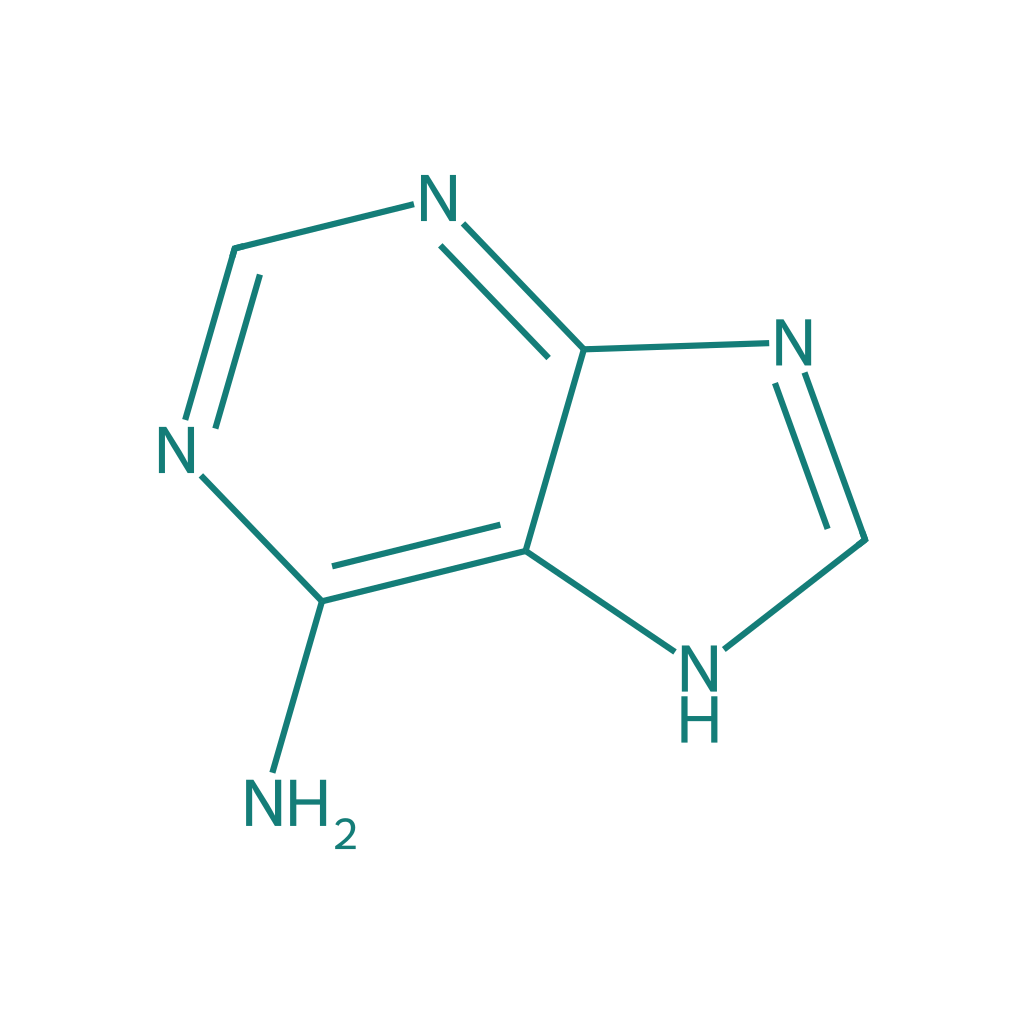
Nucleic acid components name typing
1 sets · 16 unique names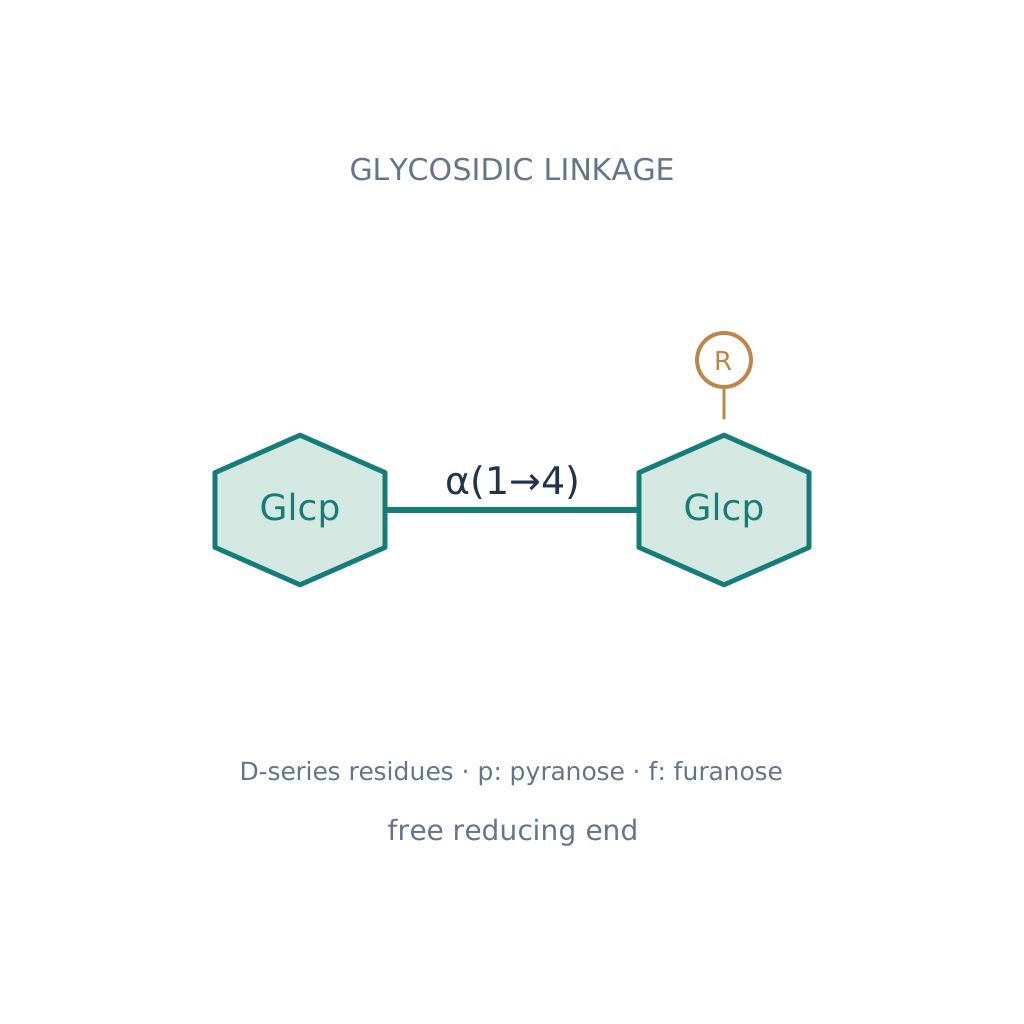
Disaccharides and polysaccharides name typing
2 sets · 16 unique names
Atomic orbitals name typing
1 sets · 12 unique names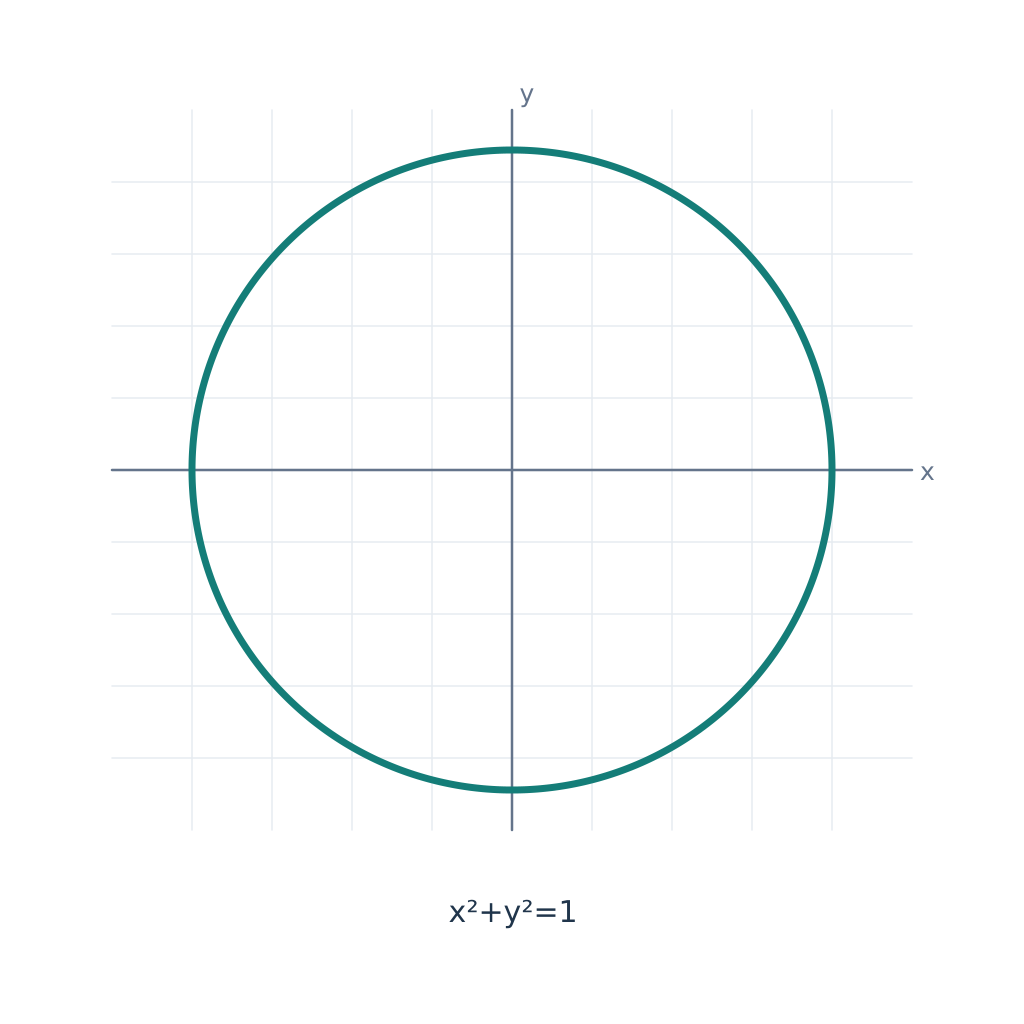
Mathematical curves name typing
1 sets · 16 unique names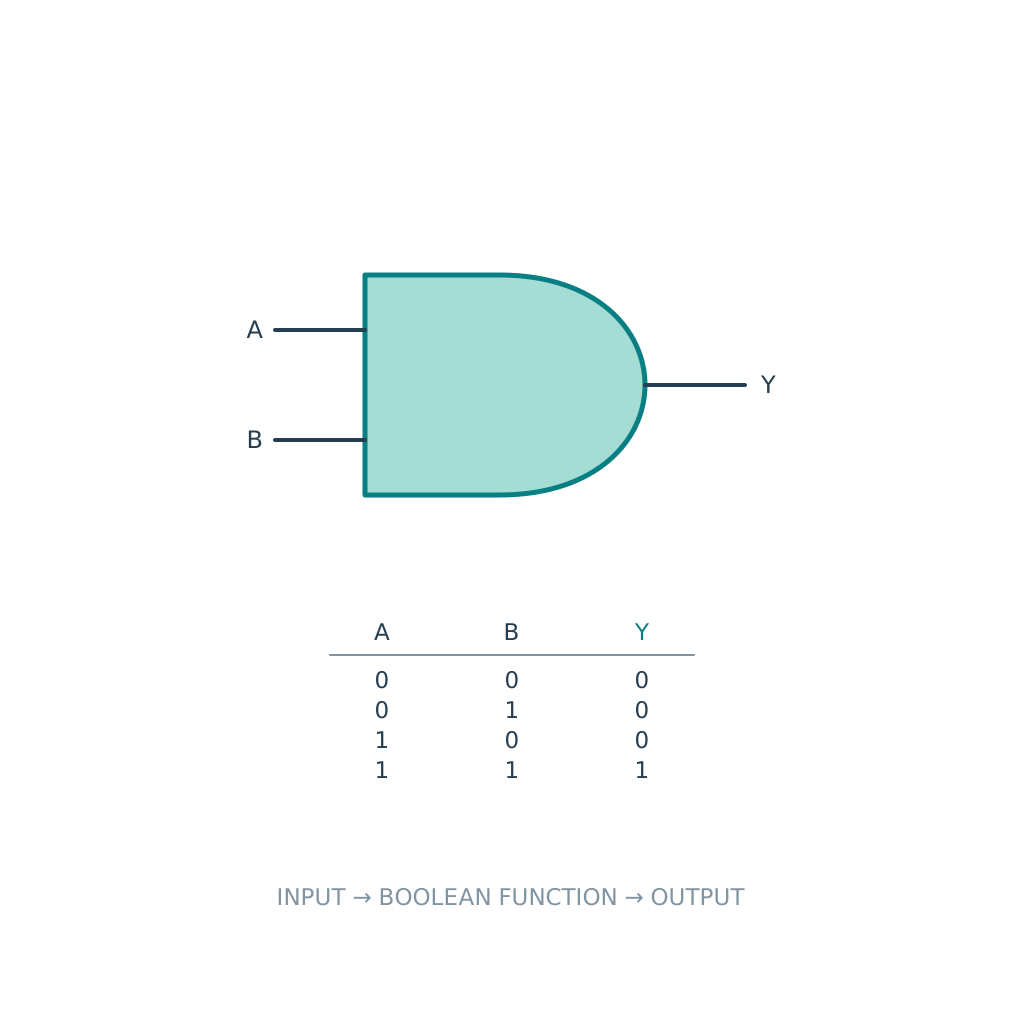
Logic gates and circuits name typing
2 sets · 12 unique names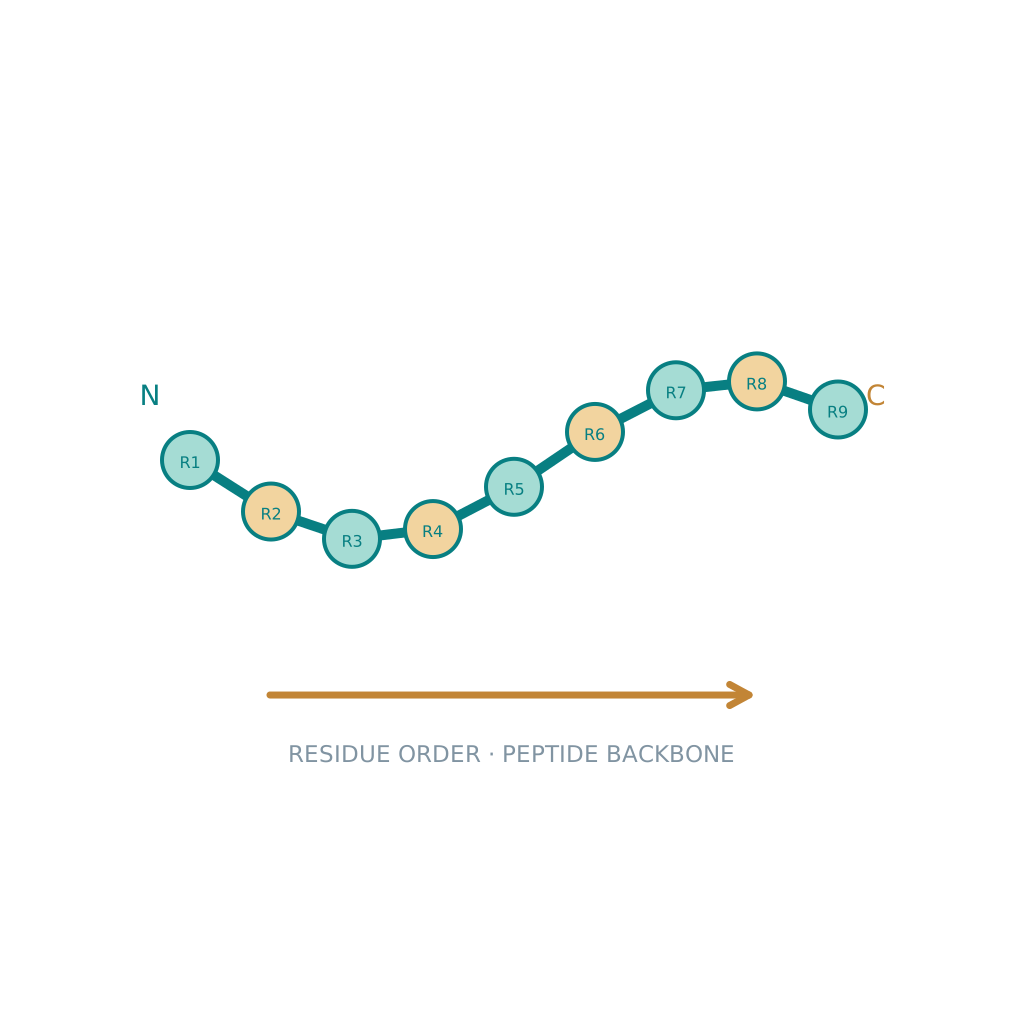
Protein structure and folding name typing
3 sets · 12 unique names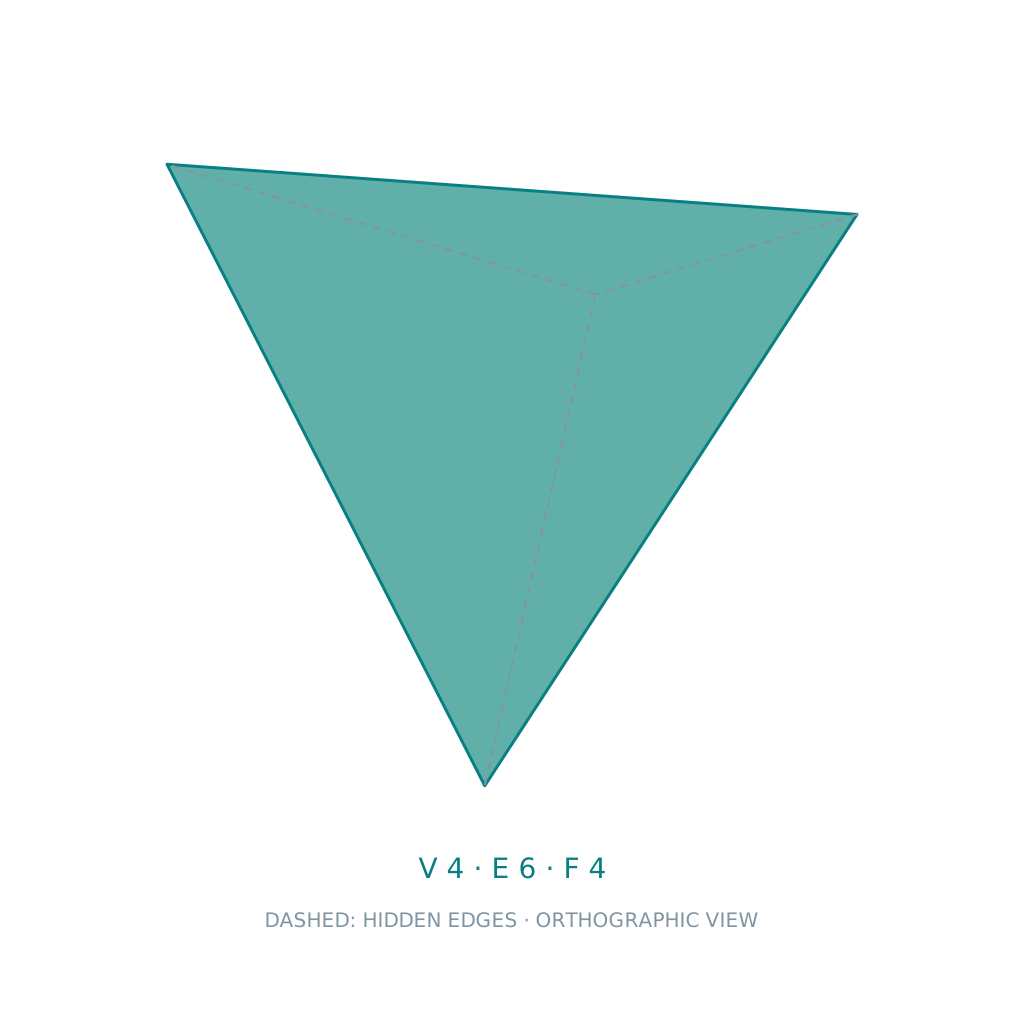
Geometric solids name typing
3 sets · 20 unique namesWorld and space
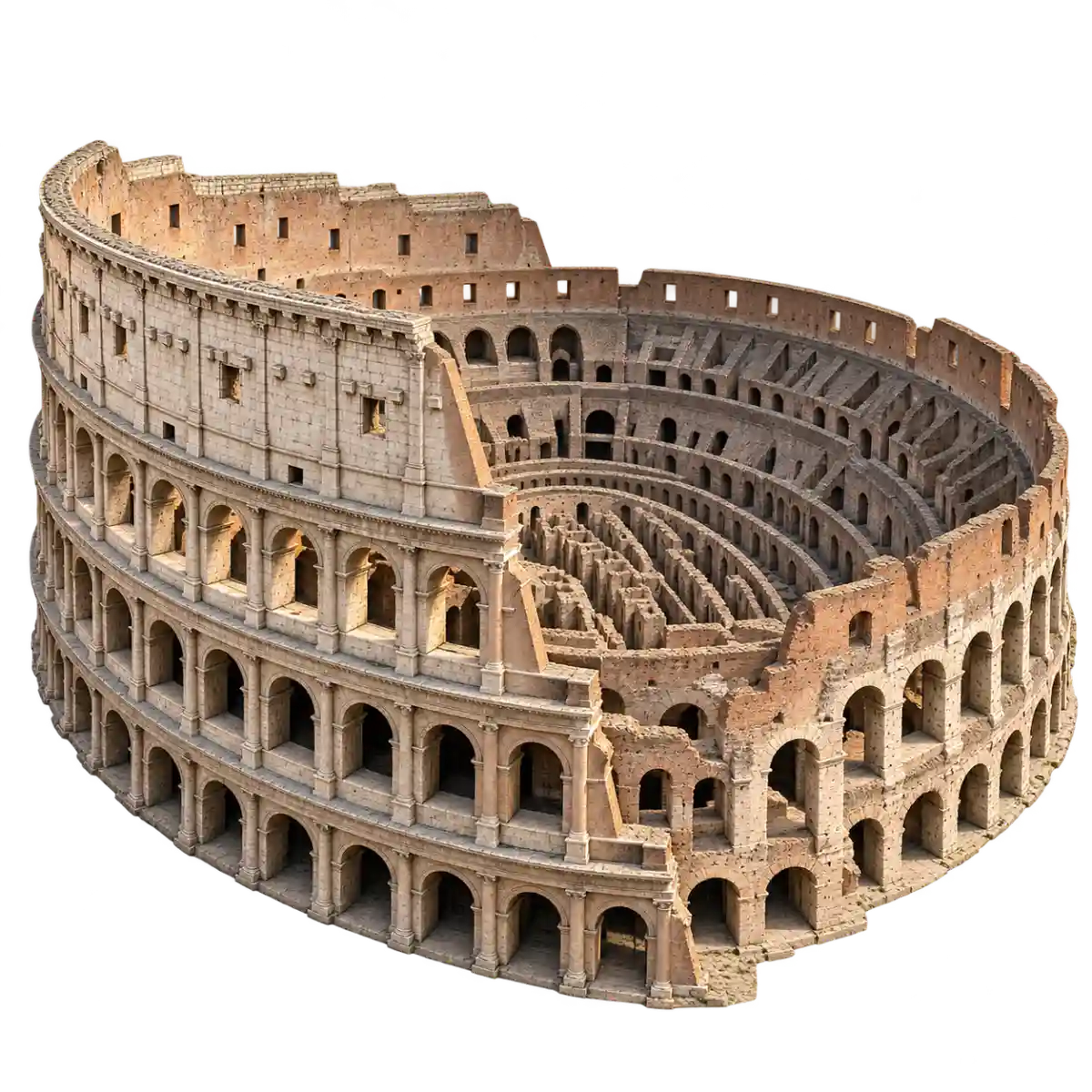
World landmark name typing
1 sets · 20 unique names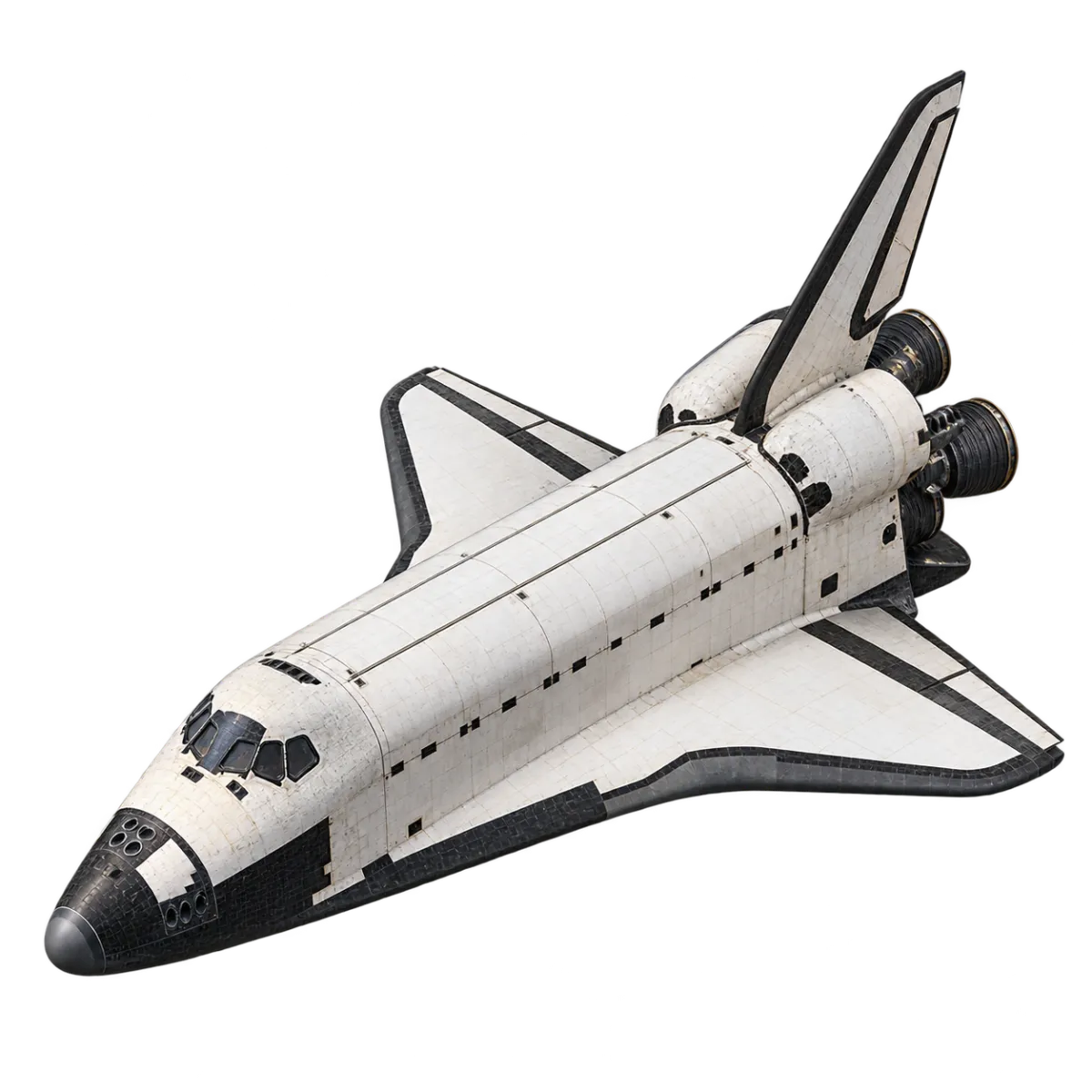
Space exploration equipment name typing
1 sets · 12 unique names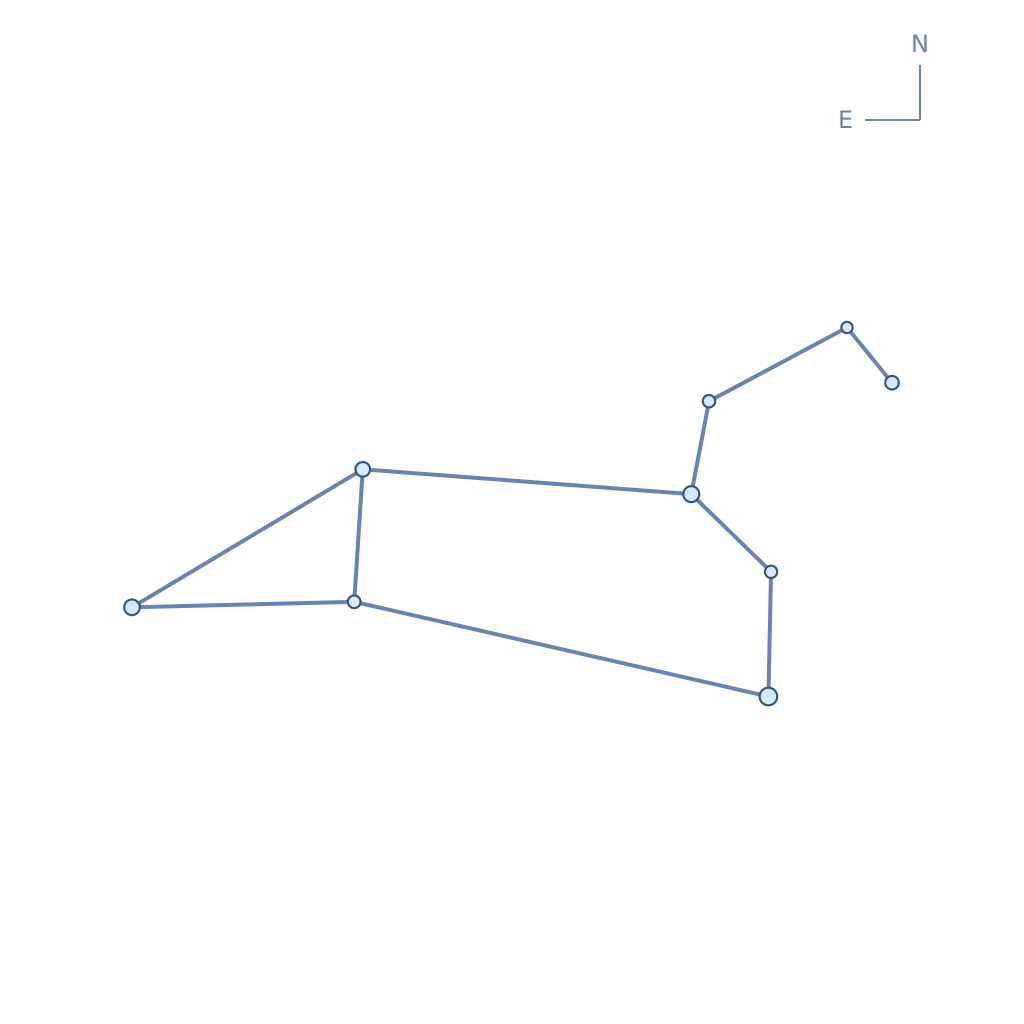
Constellation name typing
1 sets · 12 unique names
Flag name typing
6 sets · 195 unique names
Moon phases and eclipses name typing
3 sets · 14 unique names
Additional flags name typing
2 sets · 59 unique namesConnect pictures with names
Name typing connects a picture with the name written beside it. Explore bones and muscles, animals and flowers, machine parts and laboratory equipment. Read the visible English name and type it at your own pace; no advance knowledge or picture guessing is required.
Choose a topic to see the scope of its sets. There are 1592 unique names and 1612 entries across all sets, including the overlapping introductory bone set. Begin with a short list or explore regional and continental sets. Each topic explains the scope of its pictures and data.
Getting started
- Choose a topic to browse its sets, or start directly from a set link.
- Read and type the current name. A matching name or registered alternative advances automatically.
- Finish the list to see your time, keystrokes per minute and errors, then choose another set or topic.
Frequently asked questions
Do I need to memorize the names first?
No. The current name stays visible beside the picture, so you can read and copy it. This is typing practice rather than a picture guessing quiz.
Which language do I type in?
Type the name in the selected page language. Registered alternatives are also accepted; Japanese readings and Chinese pinyin are available on those language pages.
How are the sets and records counted?
Each set has a fixed order. At the end you see time, keystrokes per minute and errors. Best times are stored in this browser separately by topic, set and language. The introductory bone set overlaps the regional sets.