
Learn names through pictures
Drawing and painting tools name typing
Look at the pictures and type the names of Drawing and painting tools.
Explore 20 names, one at a time.
Drawing and painting tools typing guide →
About Drawing and painting tools name typing
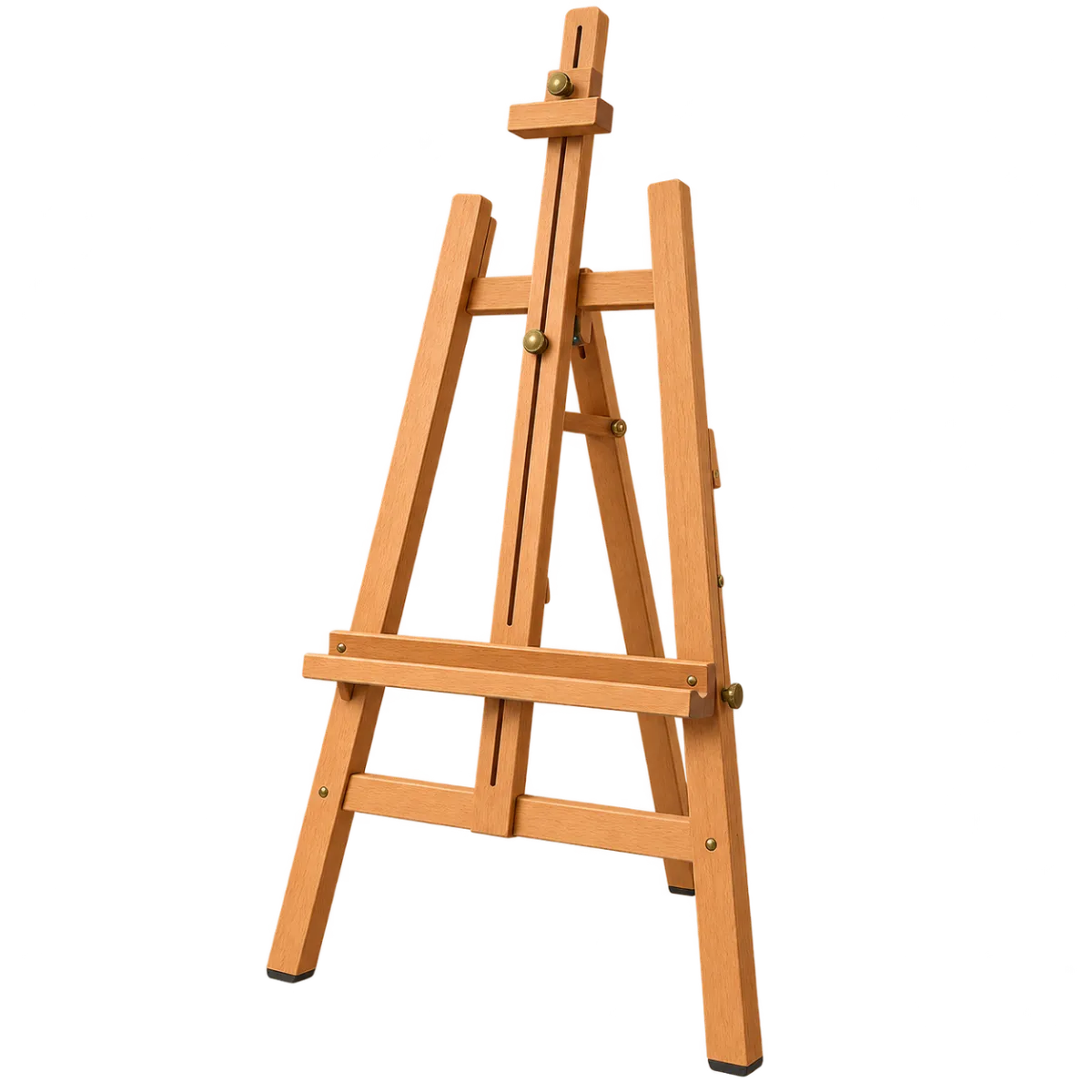
Read and type the names beside the Drawing and painting tools pictures. Practice 20 names in a fixed sequence, from Easel to Drawing board, keeping each picture connected with its written term.
Explore 20 tools including an easel, palette, brush shapes, charcoal, blending stump and inkstone.
Compare the tips of round, flat, fan and filbert brushes. Follow the shape and full printed name rather than the handle color.
Enter the full displayed name or a registered alternative to advance automatically. You can edit unfinished text. Enter during input-method composition does not count as an error.
The first nonempty input starts the timer. The final screen shows elapsed time, keystrokes per minute and errors. Best times are stored in this browser separately for each topic, set and language.
How to play
- Choose a set from the selection page.
- Read the picture and current name together.
- Type the full name or a registered alternative.
- A matching answer advances to the next name automatically.
- Review your results, retry or choose another set.
Who is it for?
- Readers learning the written forms of specialist terms
- Anyone who prefers copying visible names before memorizing them
- Typists practicing accuracy with a short list
- Learners comparing their own repeated attempts
Practice sets
- Basic 20 · 20 names
Read and type 20 names beside their pictures in fixed order, from Easel to Drawing board.
Names and spelling
The displayed label is the representative name for that entry. Similar pictures can have different full names.
Only registered alternatives count as answers. Related terms in the explanation are not automatically accepted.
Changing the page language changes the names to type. Japanese pages include readings; Chinese pages include pinyin input.
Practice tips
- Read the current spelling before concentrating on speed.
- Break a long name into words, then type it as a whole.
- Enlarge the picture when comparing small features.
- Edit unfinished text directly. Enter on an incorrect nonempty answer records one error.
- Retry a set in the same fixed order.
- Switch to the corresponding page language to practice its names.
Frequently asked questions
Must I memorize the names first?
The current name stays visible, so you can read and copy it without guessing from the picture.
Which name should I type?
Type the name shown in the current language or an alternative registered for that entry.
Do I submit every answer with Enter?
Matching answers advance automatically. An alternative that is also the beginning of a longer answer can be confirmed by waiting briefly or pressing Enter.
When does the timer start?
It starts with the first nonempty input, not while you read the list.
Where is my best time stored?
In this browser, separately by topic, set and language. Records are not automatically shared across devices.
What do the pictures represent?
Explore 20 tools including an easel, palette, brush shapes, charcoal, blending stump and inkstone. Compare the tips of round, flat, fan and filbert brushes. Follow the shape and full printed name rather than the handle color.
Compare the tips of round, flat, fan and filbert brushes. Follow the shape and full printed name rather than the handle color.